
Pruva: The eye on the ship. Cameras on board, watched with AI. Noon reports, emissions, certificates, maintenance and crew connect to the same watch.
Cameras on board, watched with AI. Noon reports, emissions, certificates, maintenance and crew connect to the same watch.
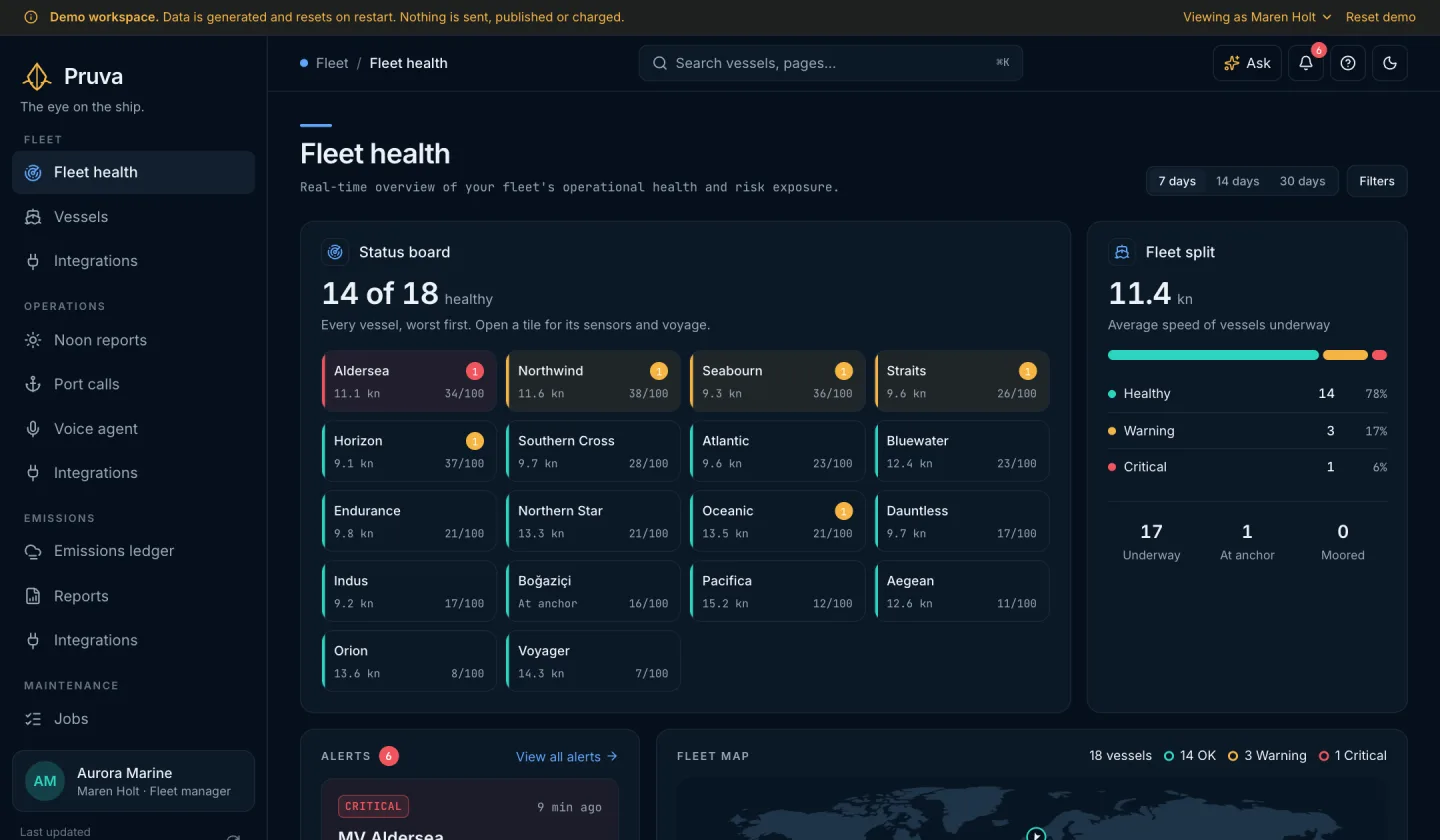
01The platform
Every module, one record of the fleet.
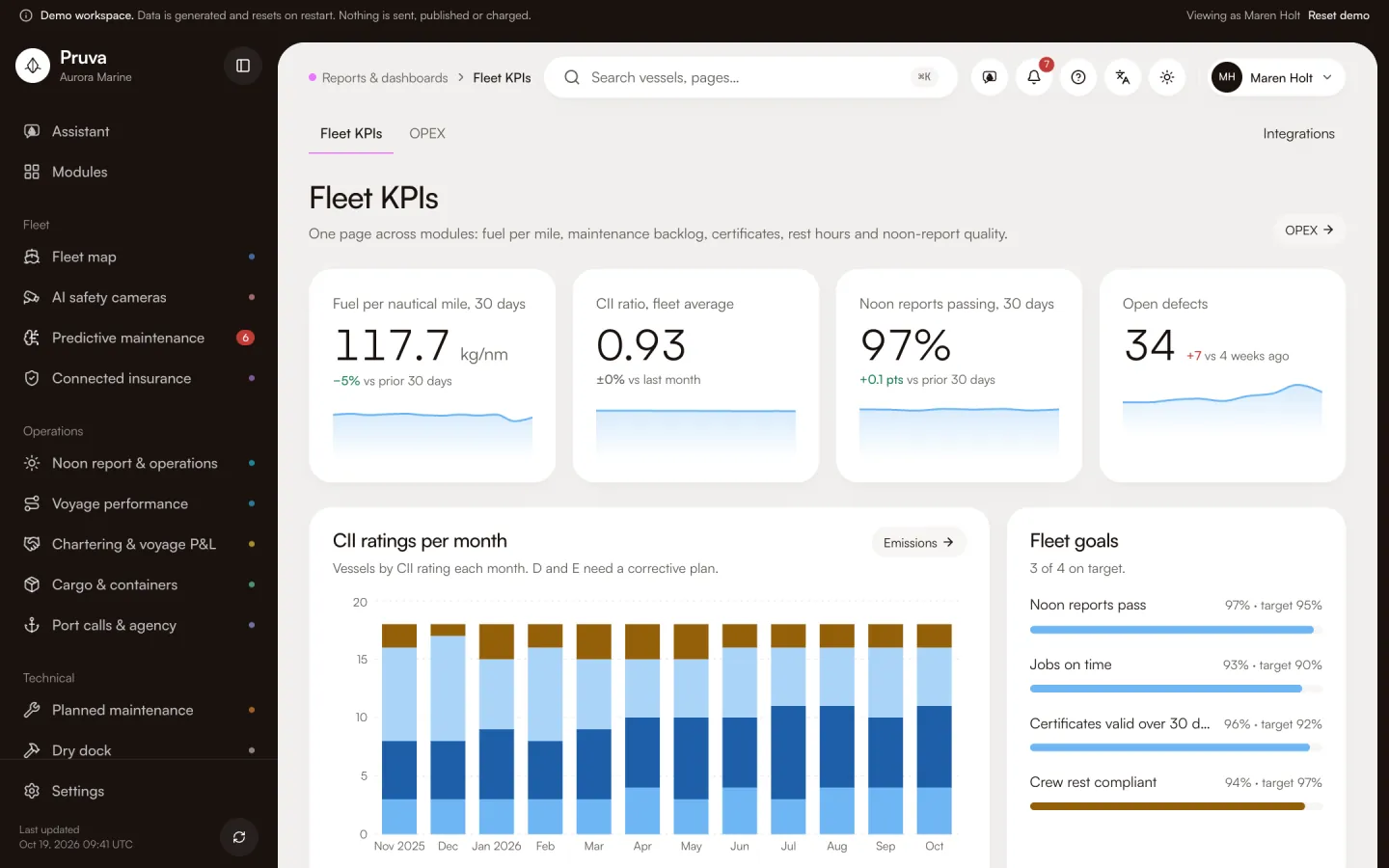
Twenty modules in five groups, the same groups as the app’s sidebar. Each card shows the module’s own screen from the demo workspace.
Fleet
Where every vessel is, what the cameras saw, what may fail and what the insurer sees.
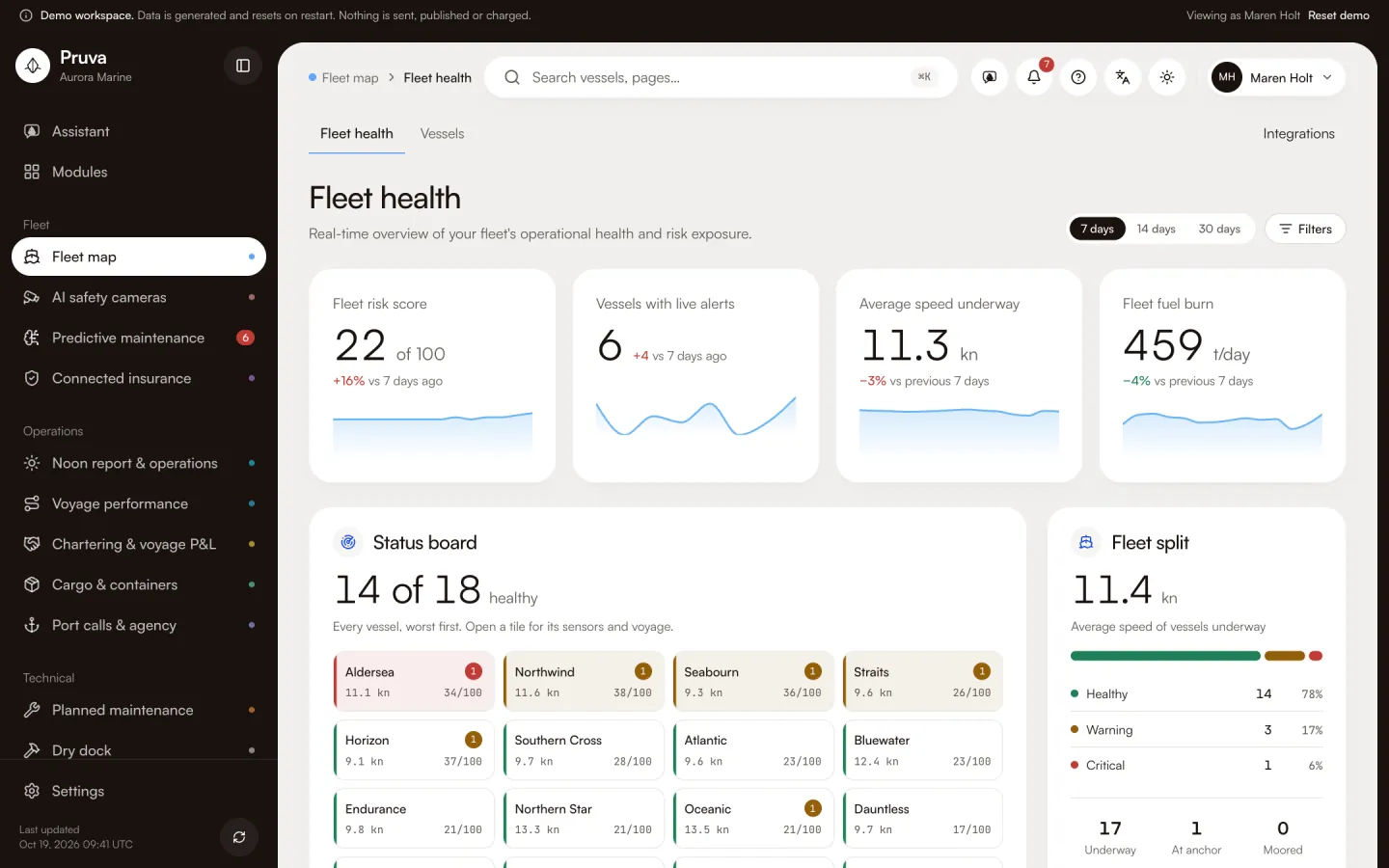 Fleet mapEvery vessel, its health and its voyage on one map.See the module
 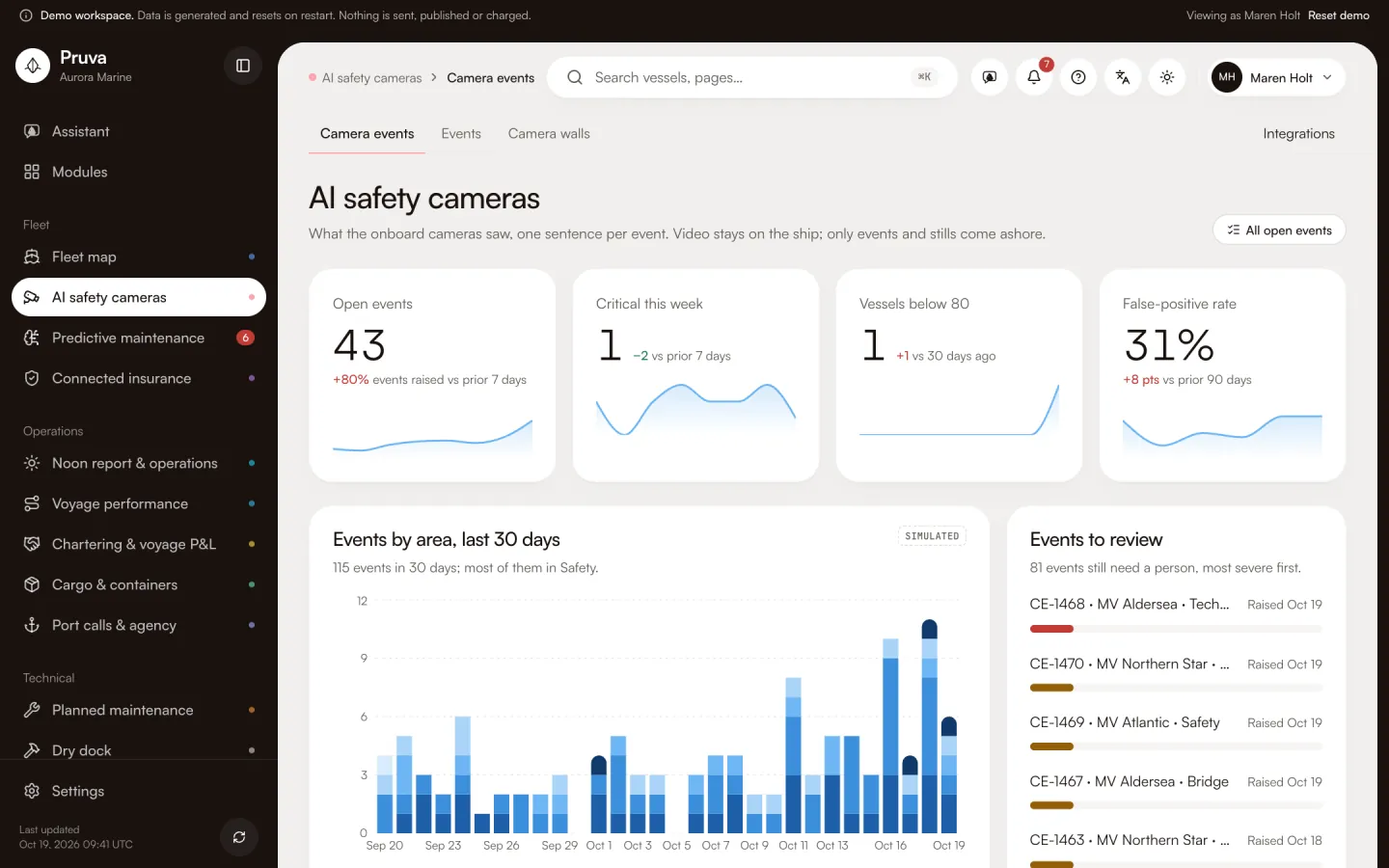 AI safety camerasBridge watch, deck safety, engine room, security and MARPOL events explained from onboard cameras.See the module
 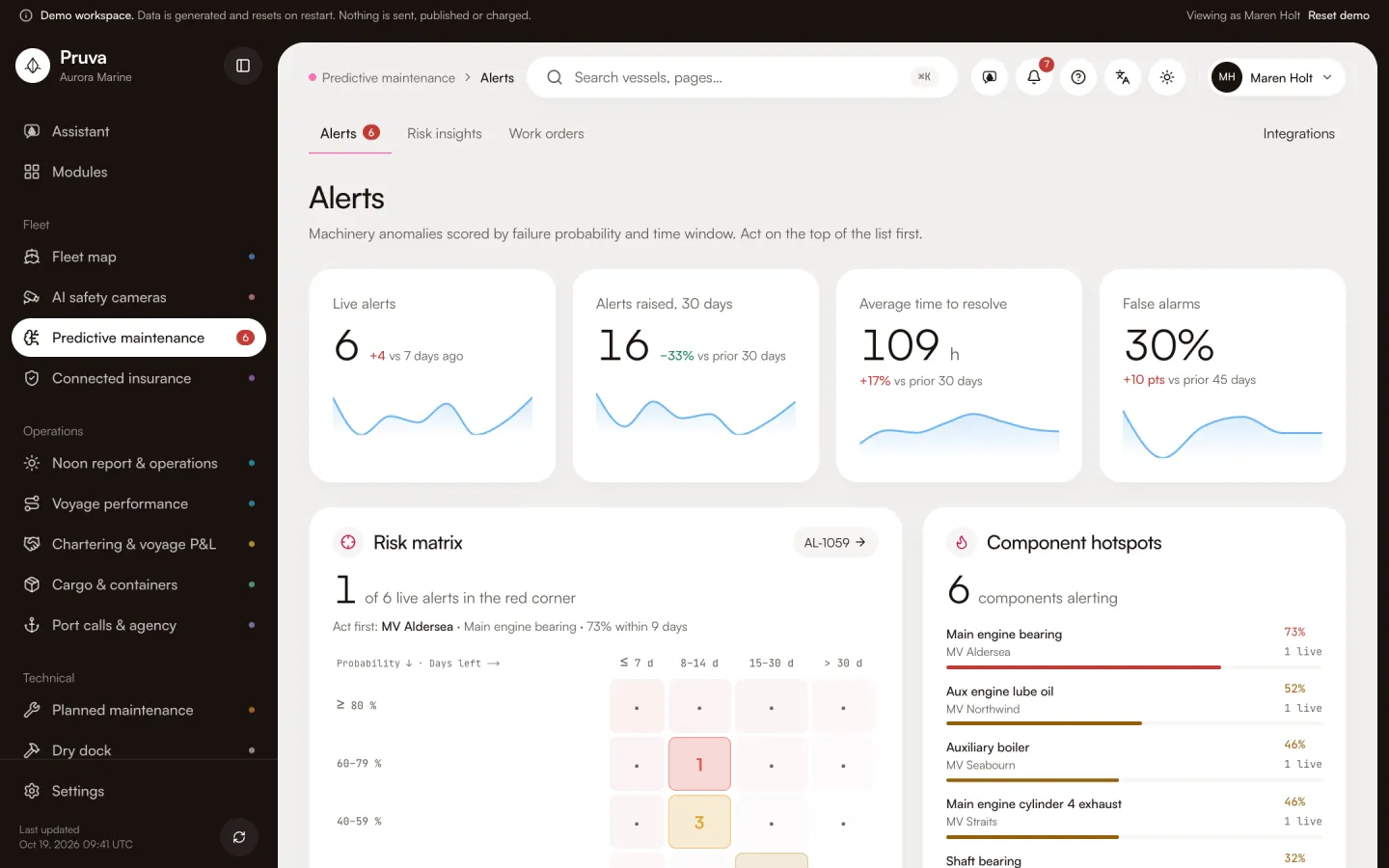 Predictive maintenanceAlerts arrive before a likely failure.See the module
 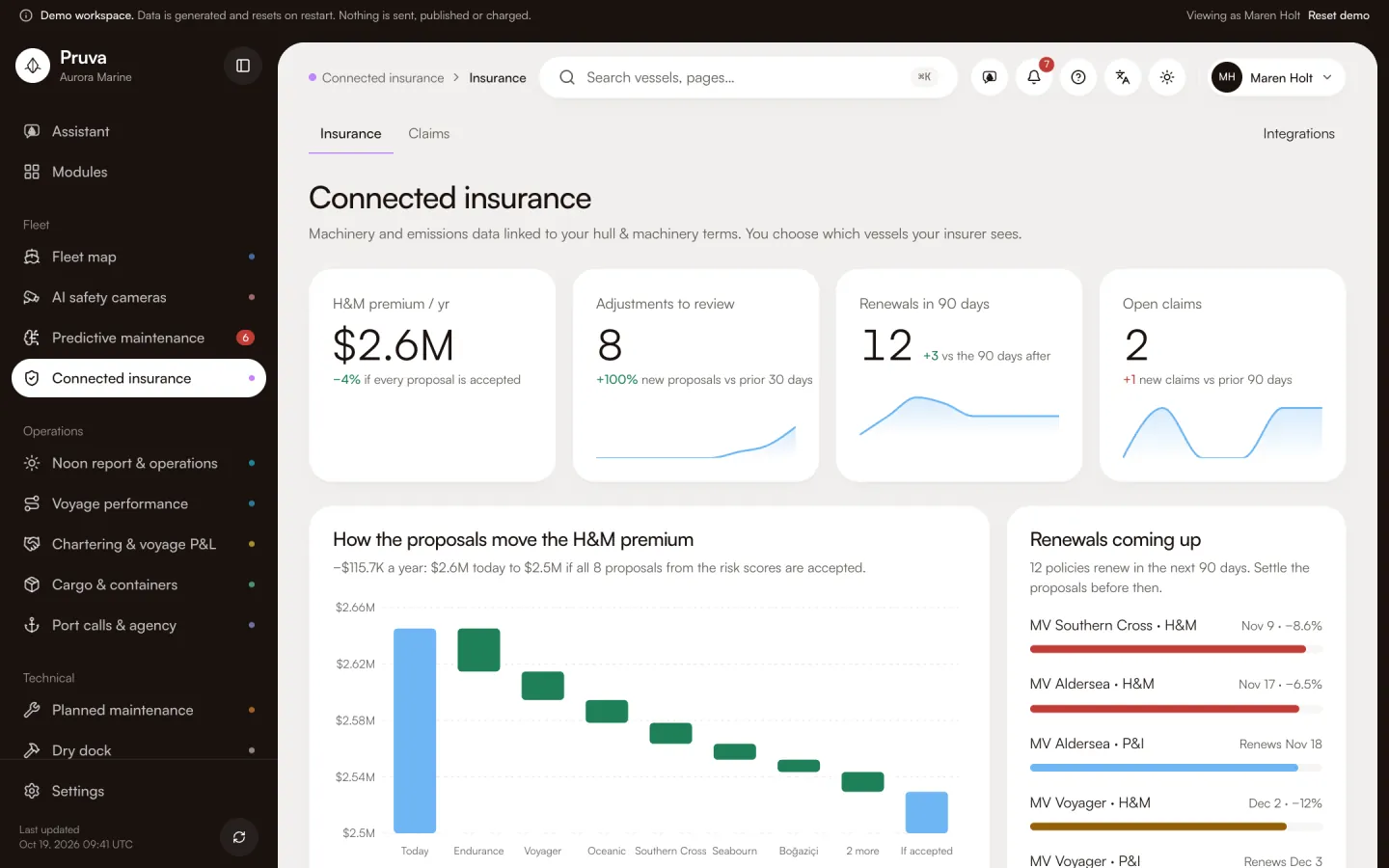 Connected insuranceSensor data meets insurance terms.See the module
Operations
Noon reports, voyages, fixtures, cargo files and port calls.
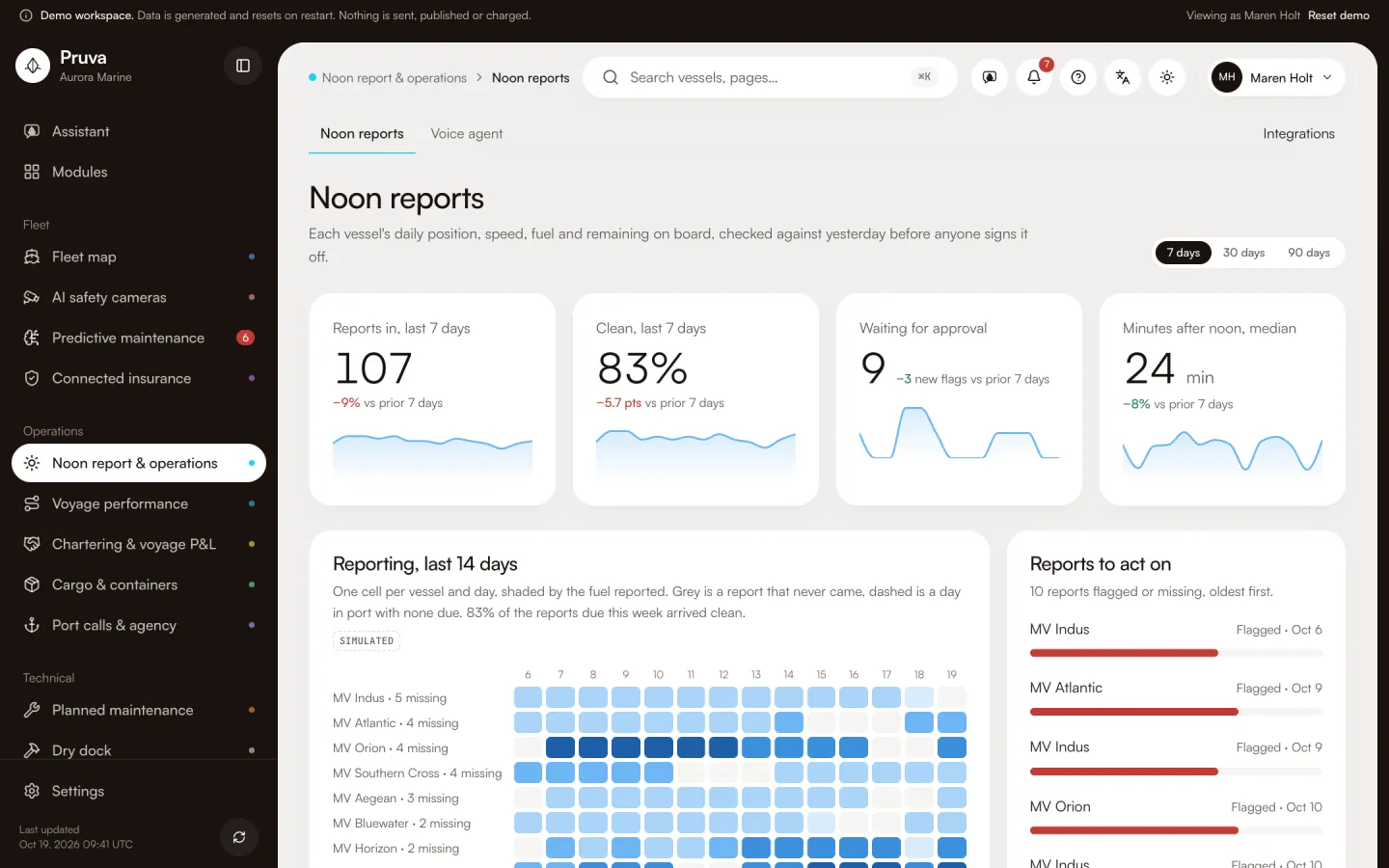 Noon report & operationsThe master speaks the report; the numbers are checked against yesterday.See the module
 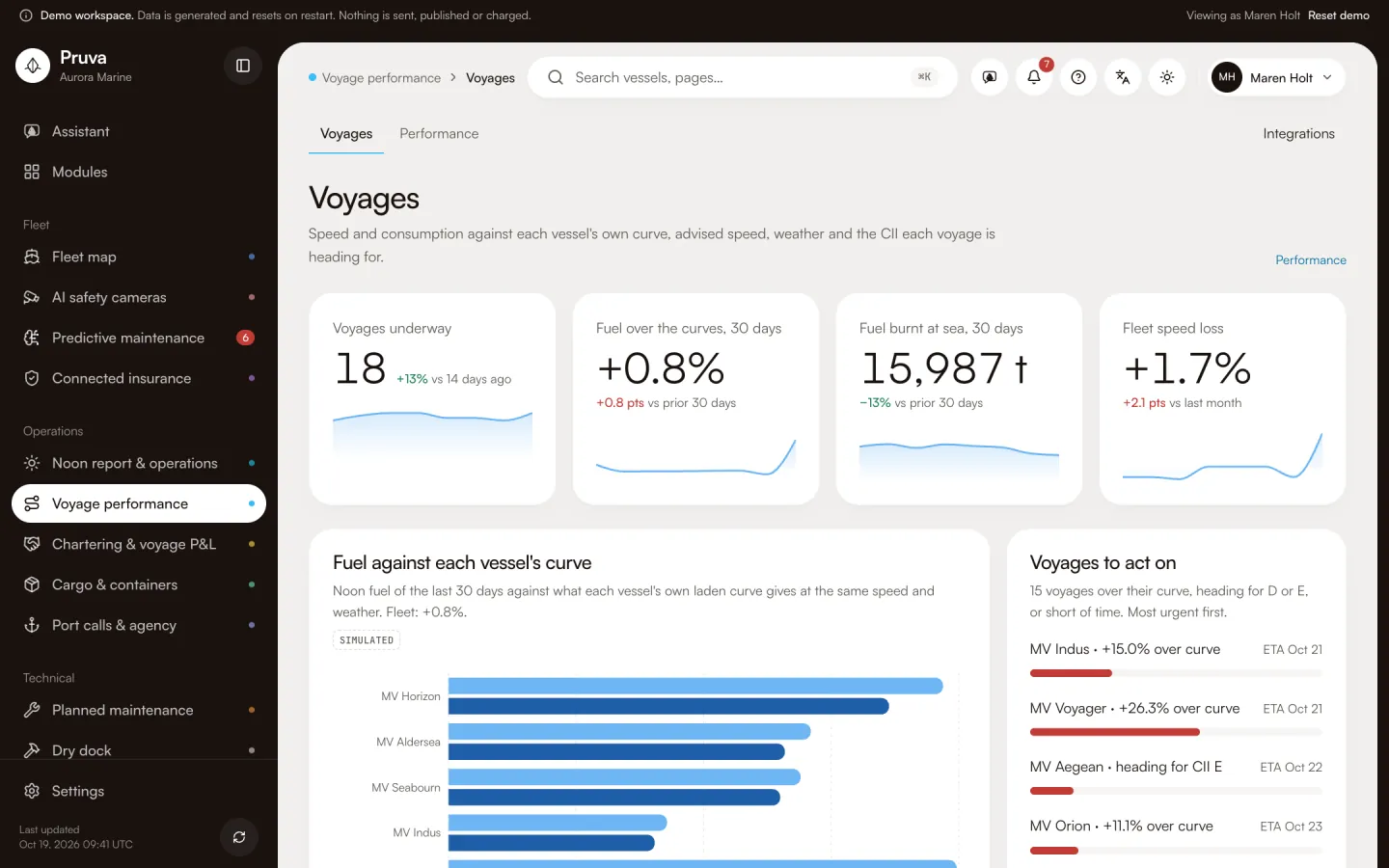 Voyage performanceSpeed and consumption, weather, routing advice, CII per voyage.See the module
 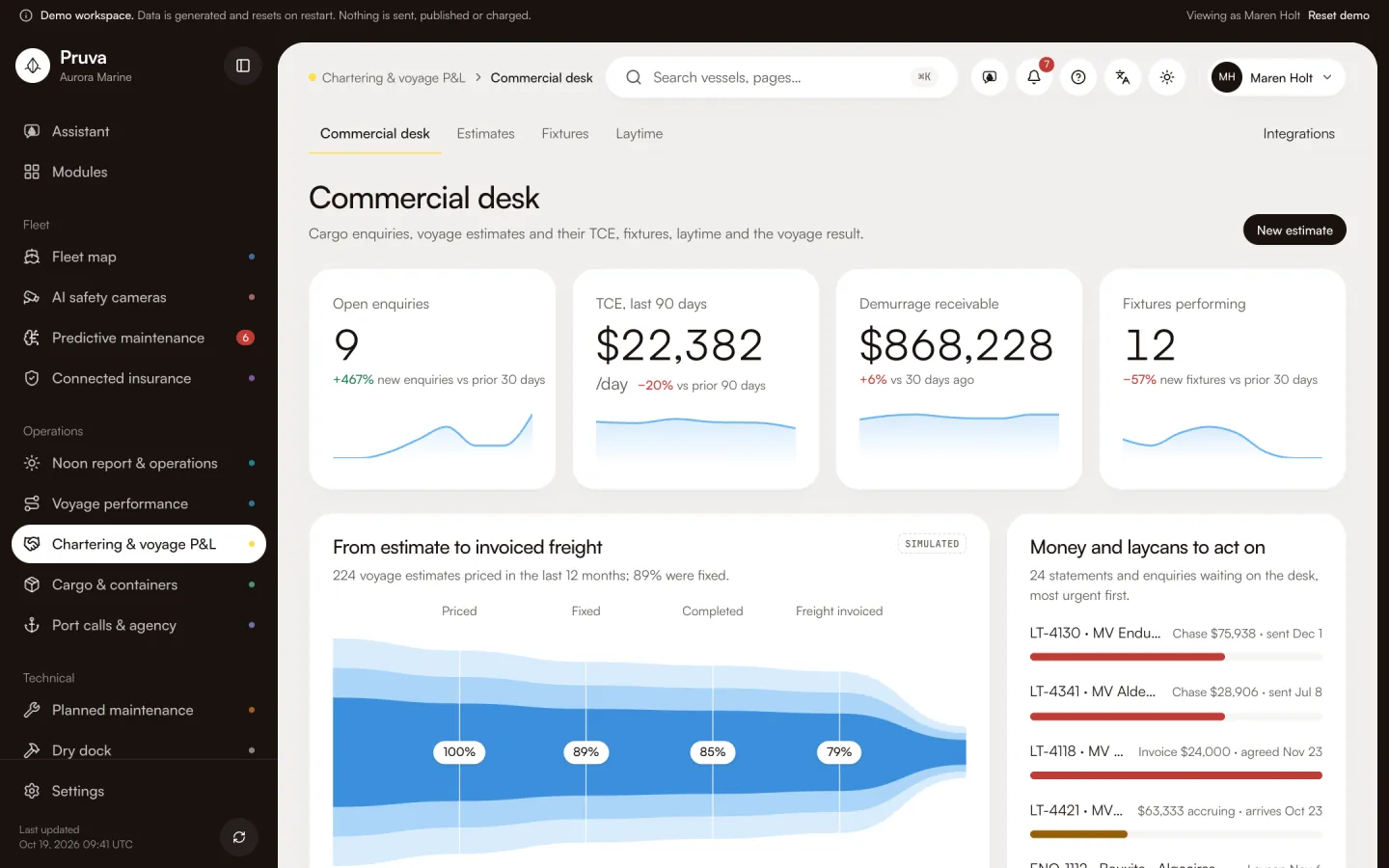 Chartering & voyage P&LVoyage estimates, fixtures, laytime and demurrage, voyage result.See the module
 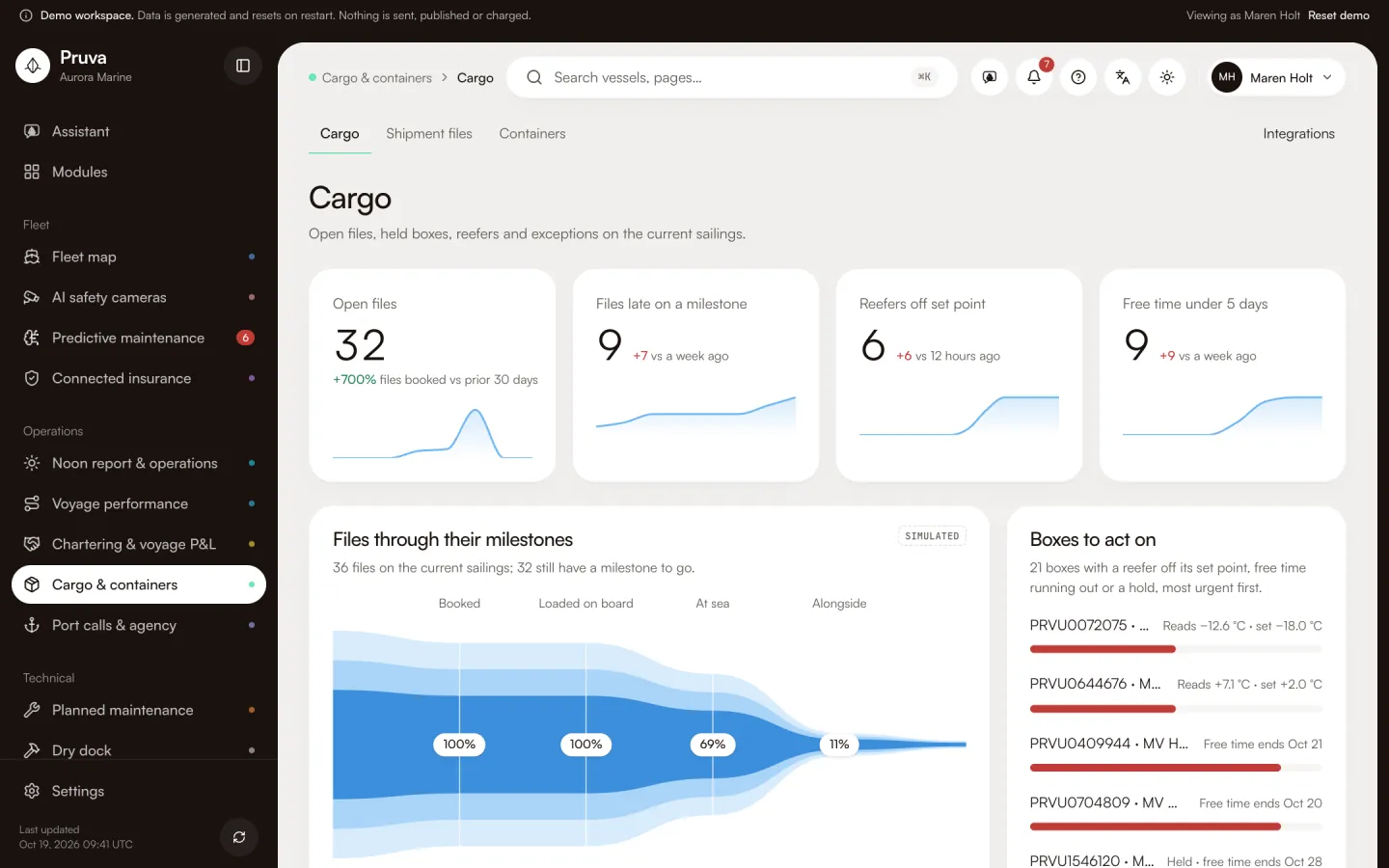 Cargo & containersShipment files, containers, documents, clocks and charges.See the module
 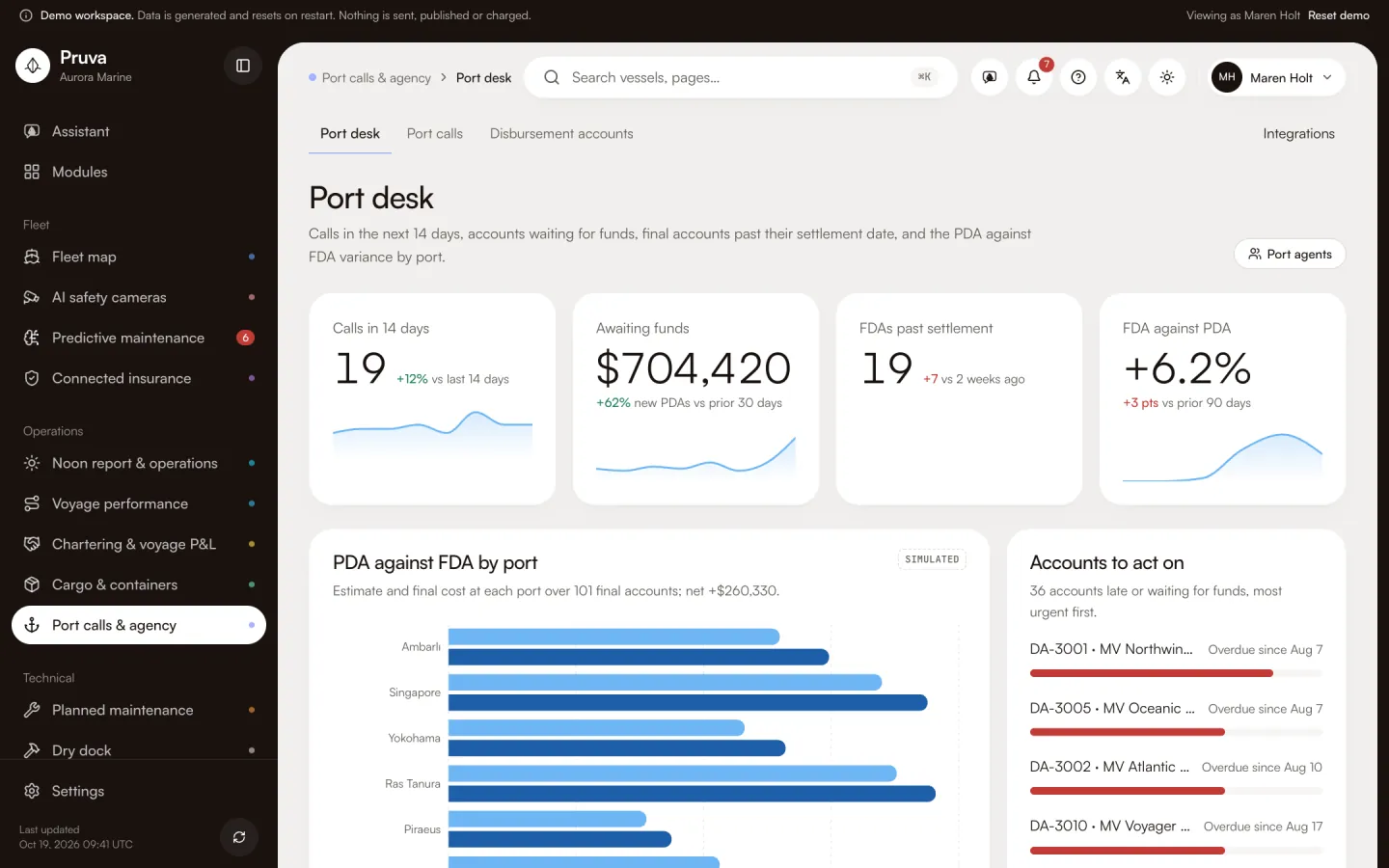 Port calls & agencyPort calls, berth and yard, agents, disbursement accounts.See the module
Technical
Maintenance jobs, the dry dock, purchasing and the spares on board.
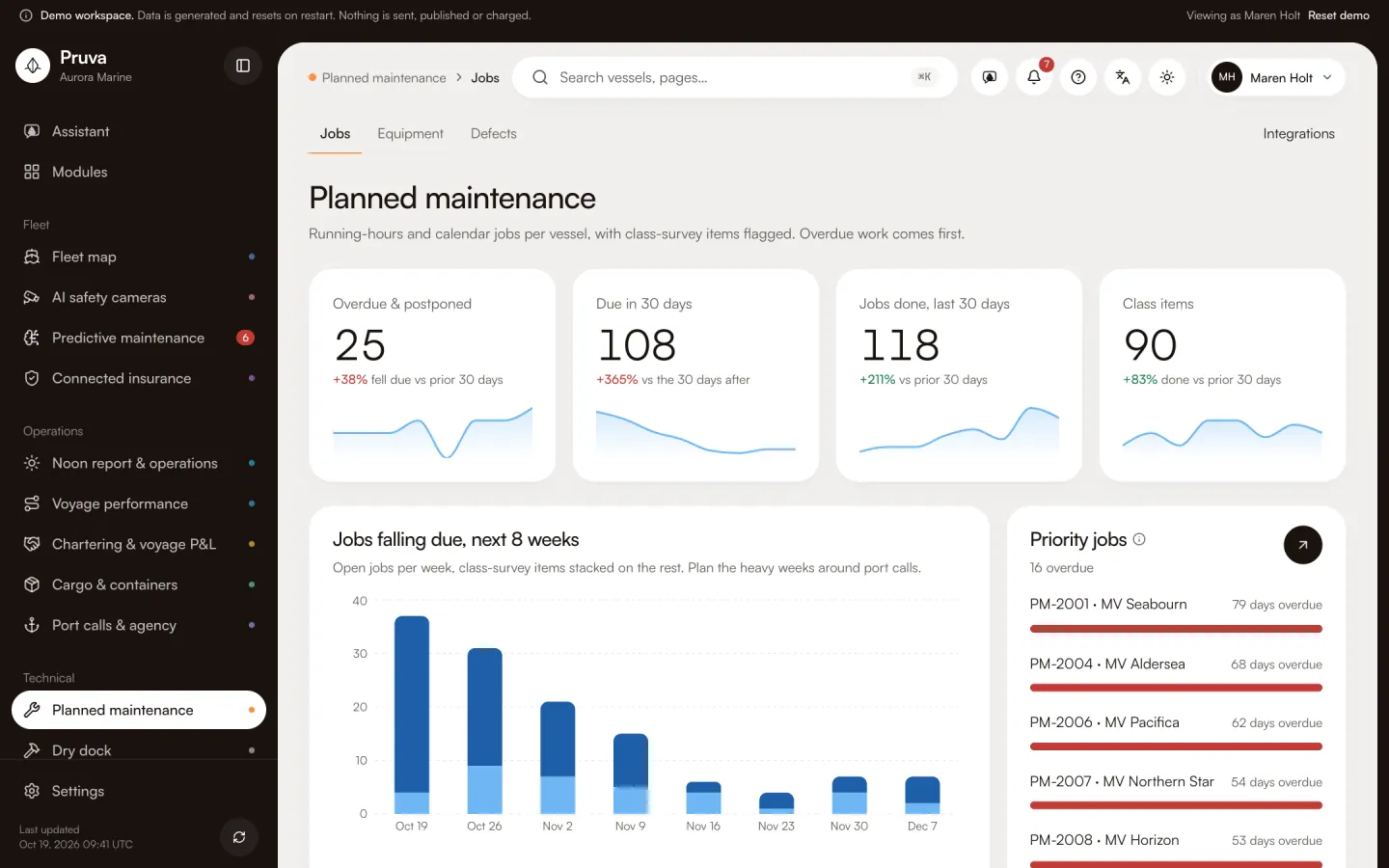 Planned maintenanceRunning-hours and calendar jobs, defects and class items in one plan.See the module
 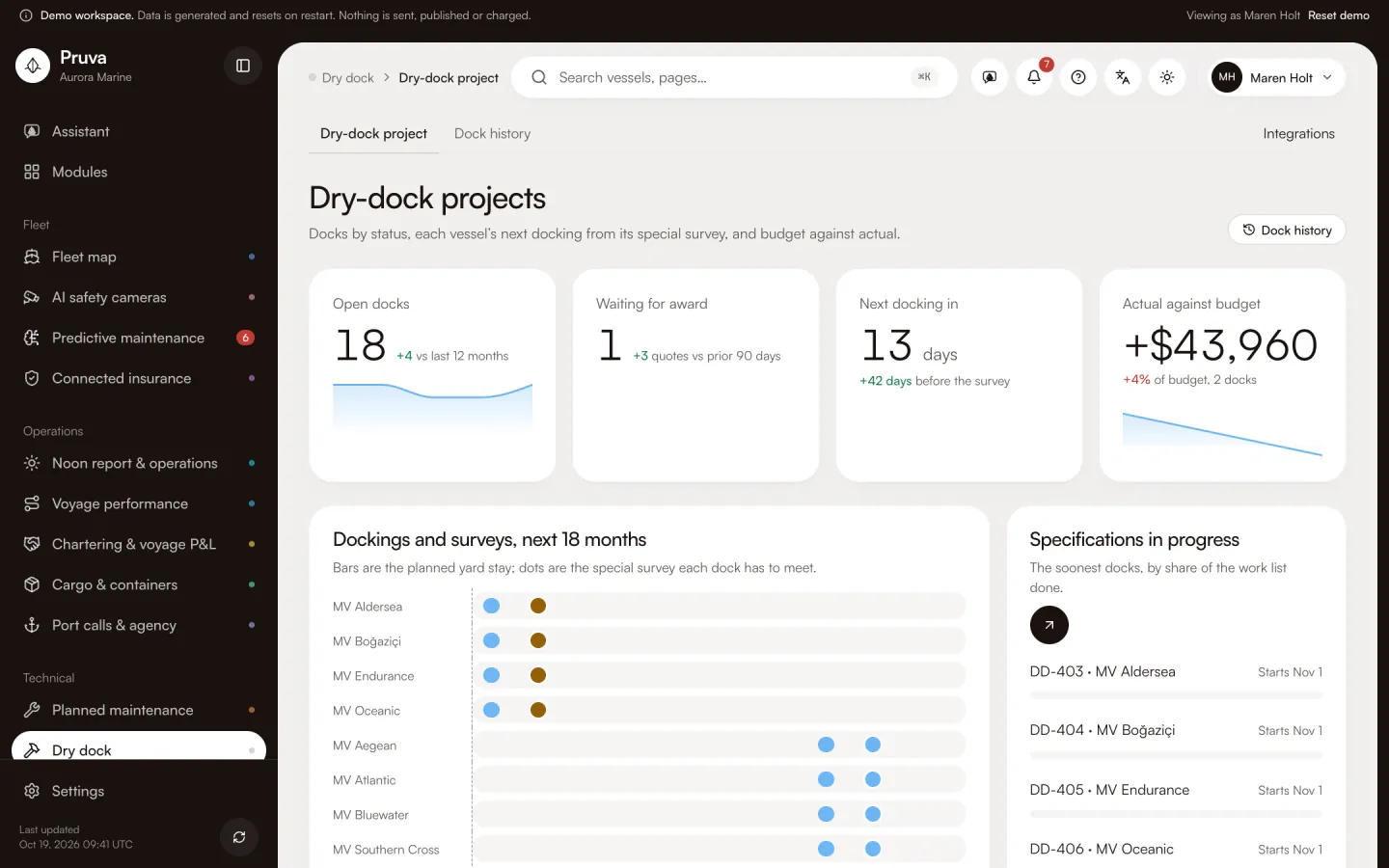 Dry dockThe dry-dock project: specification, yard quotes, budget and progress.See the module
 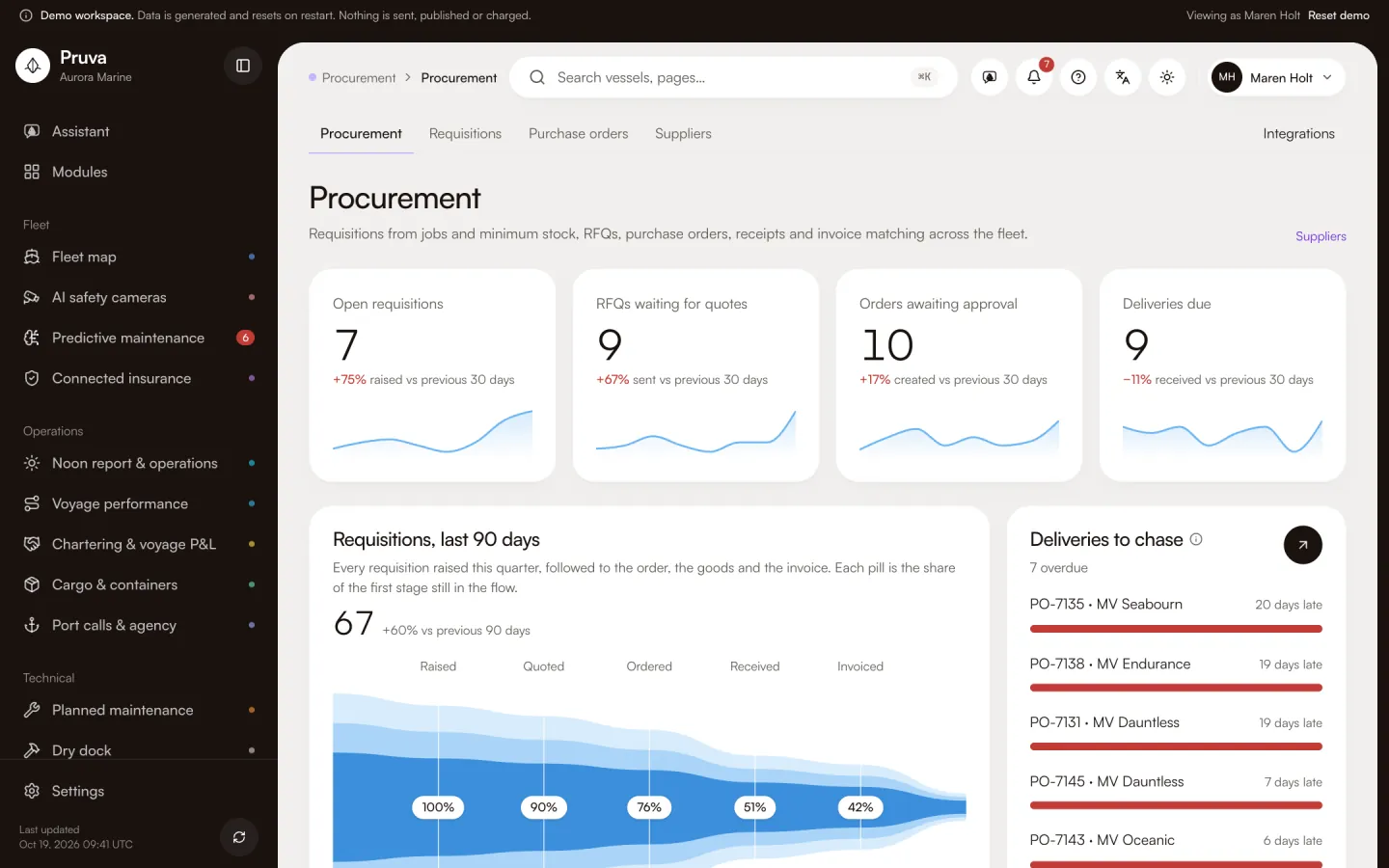 ProcurementRequisition, RFQ, quote comparison, purchase order, receipt and invoice match.See the module
 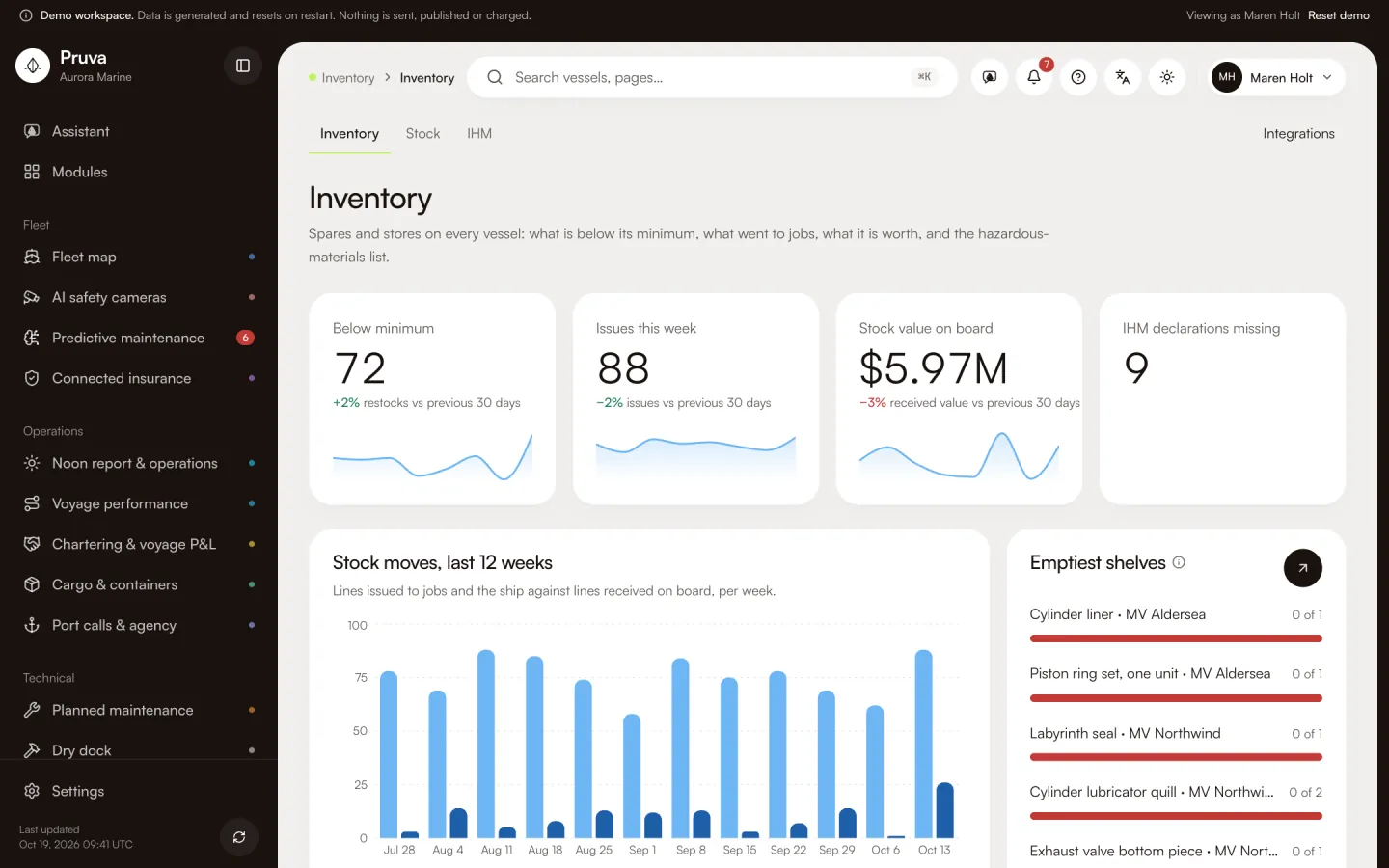 InventorySpares and stores per vessel, minimum levels, consumption, IHM.See the module
Compliance & safety
Certificates, emissions, incidents, audits and vetting inspections.
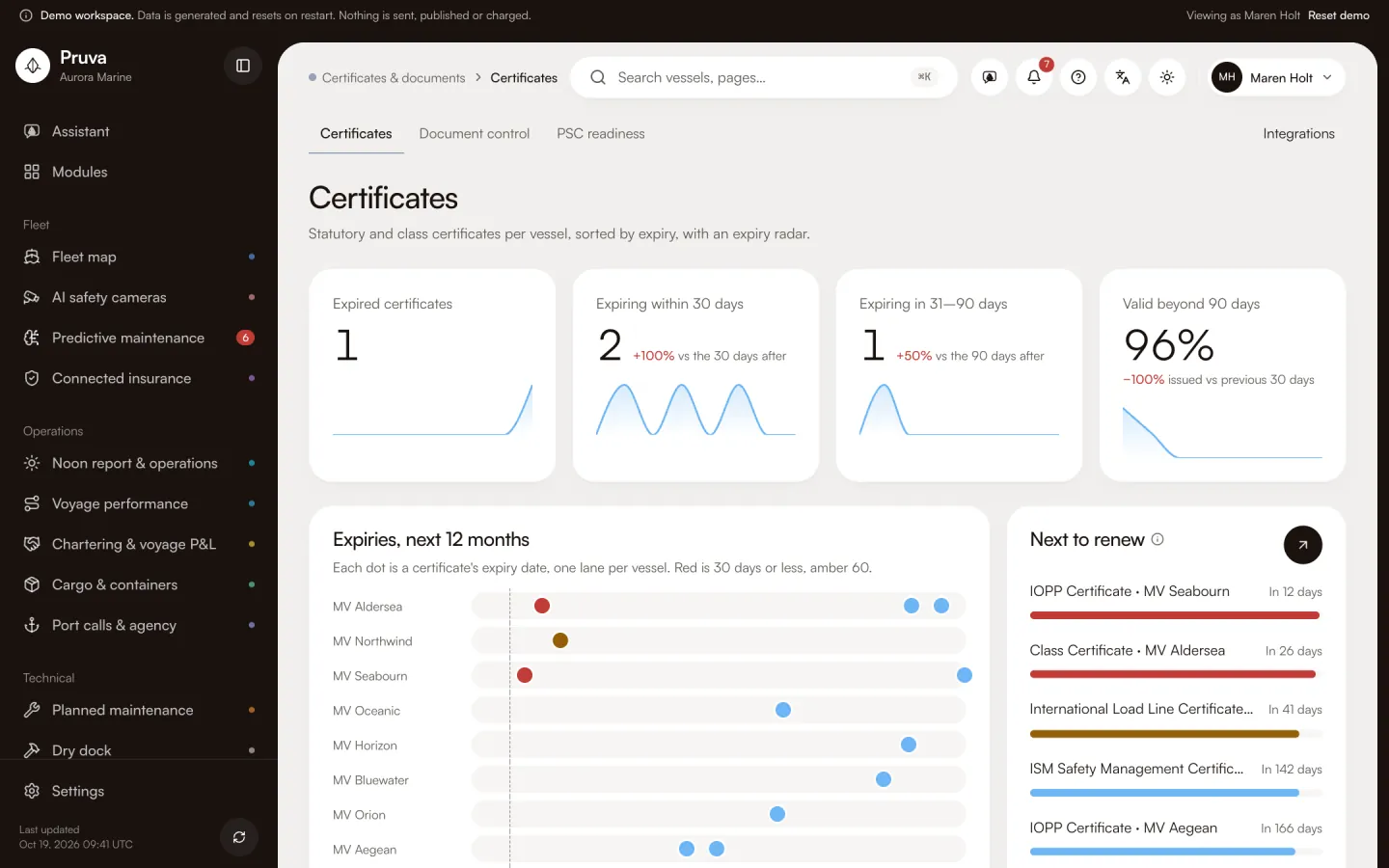 Certificates & documentsNo certificate lapses unnoticed, no PSC surprise.See the module
 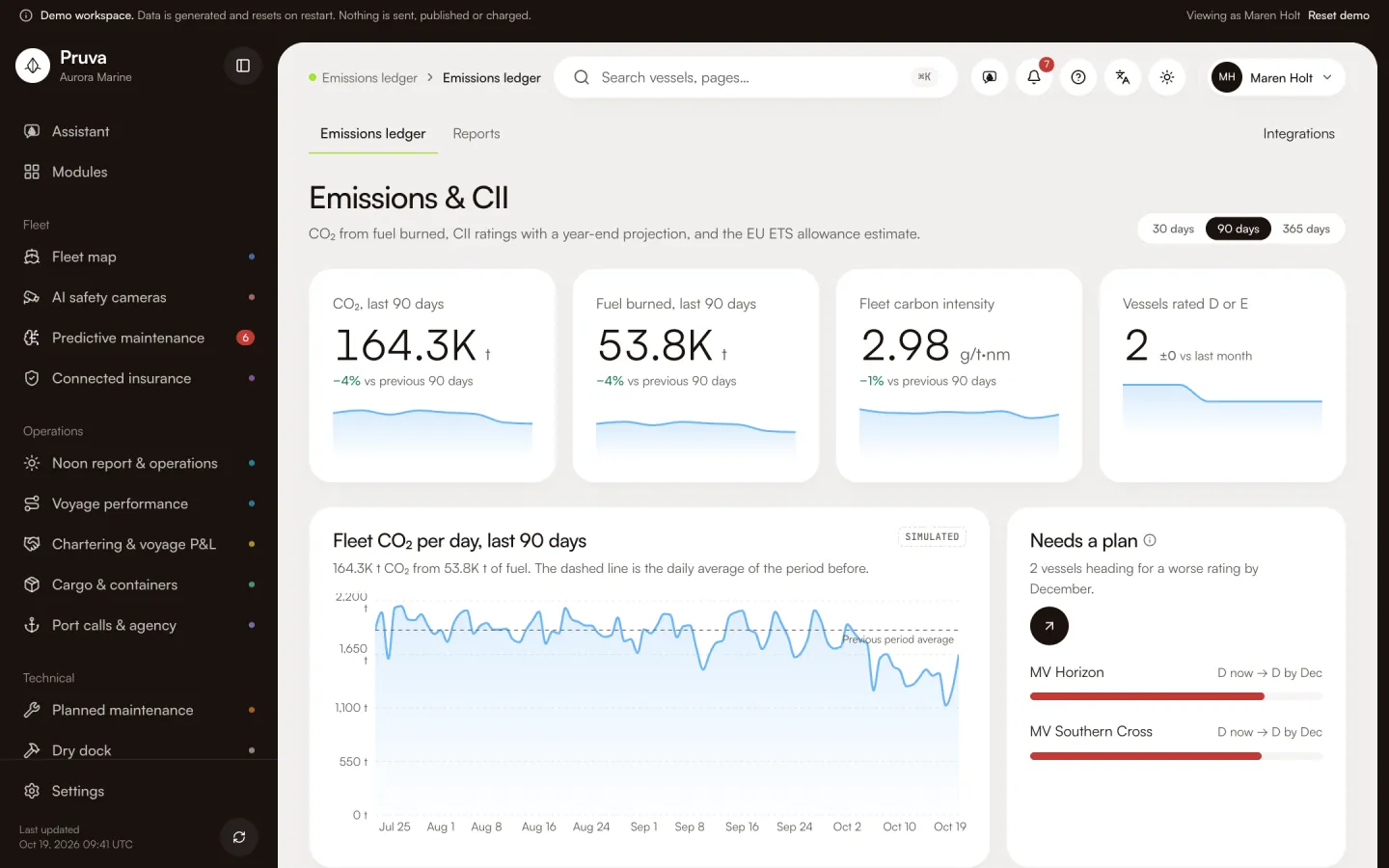 Emissions ledgerCII, EU ETS, UK ETS and FuelEU from one set of fuel data.See the module
 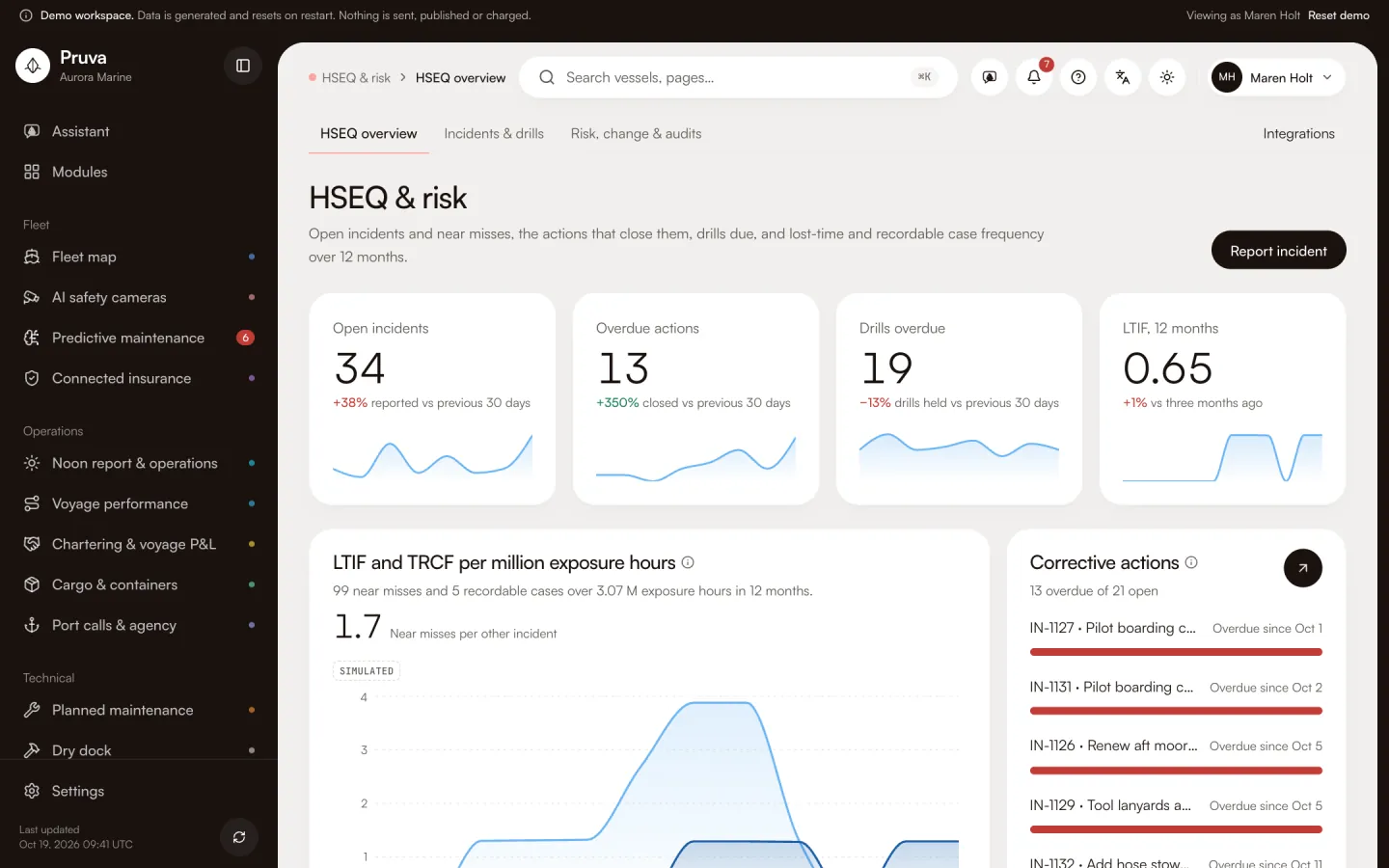 HSEQ & riskIncidents, near misses, drills, risk assessments, MoC, audits and corrective actions.See the module
 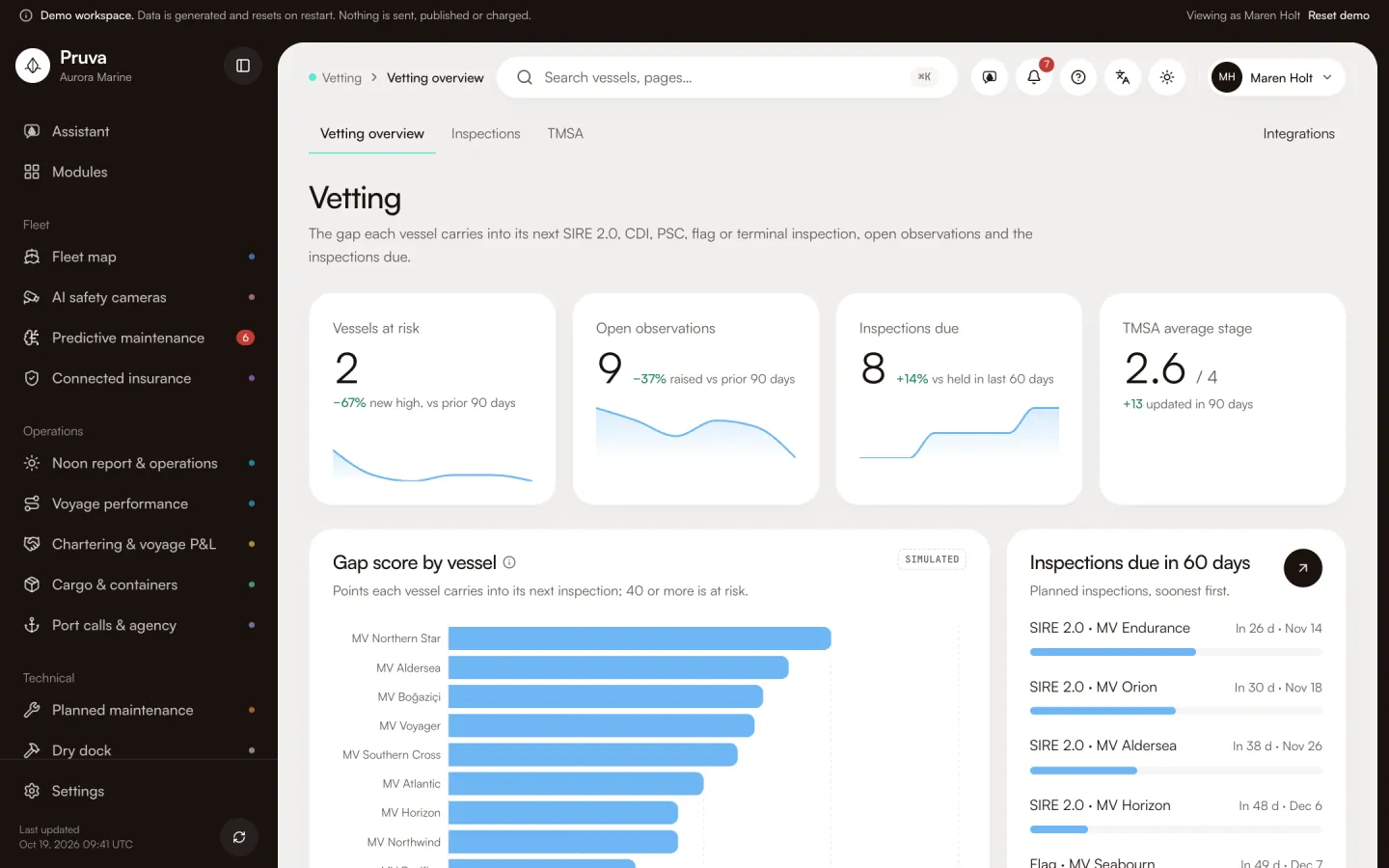 VettingSIRE 2.0, TMSA and PSC preparation, inspections and observations.See the module
Business
Crew, money and the fleet’s numbers in one place.
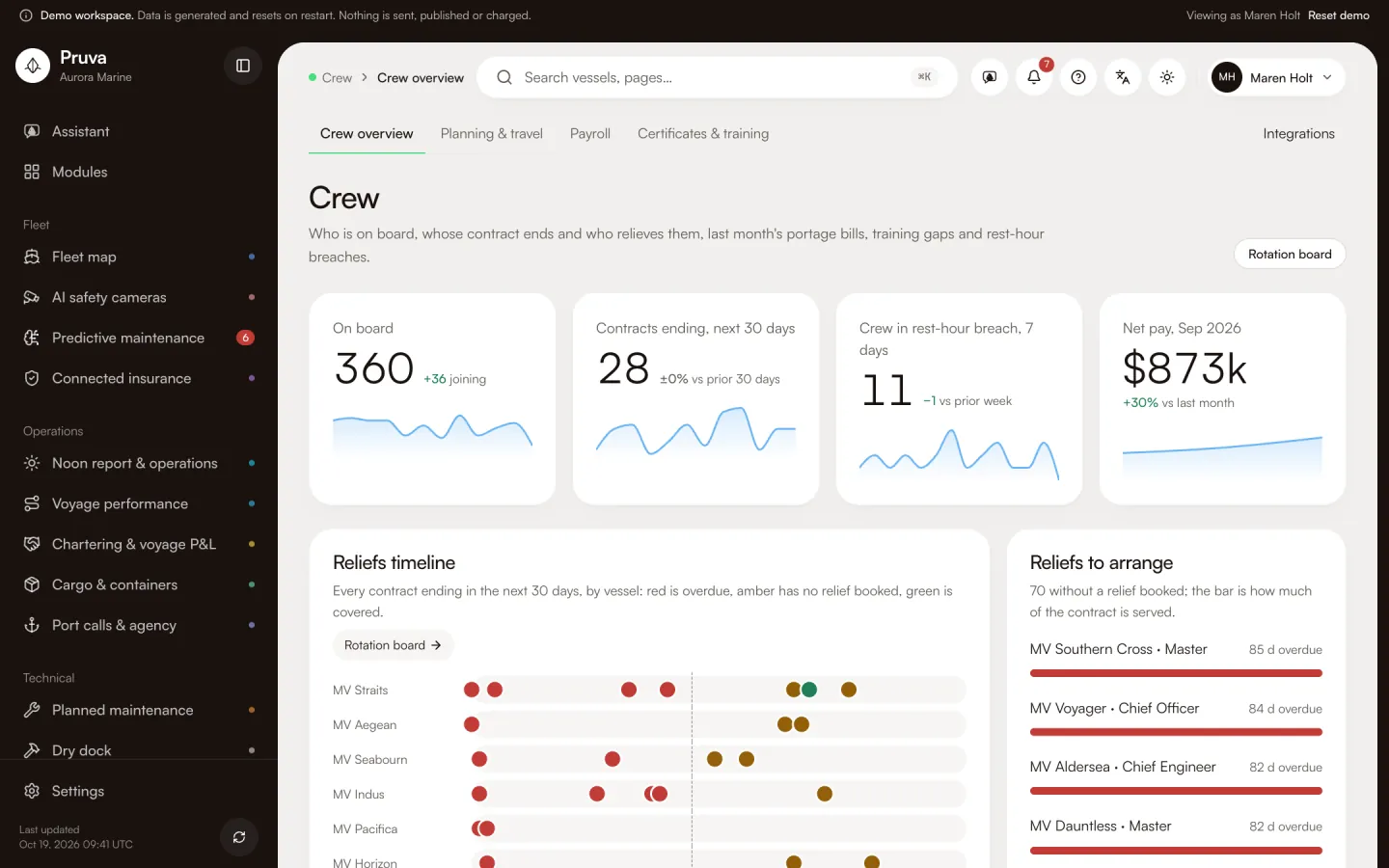
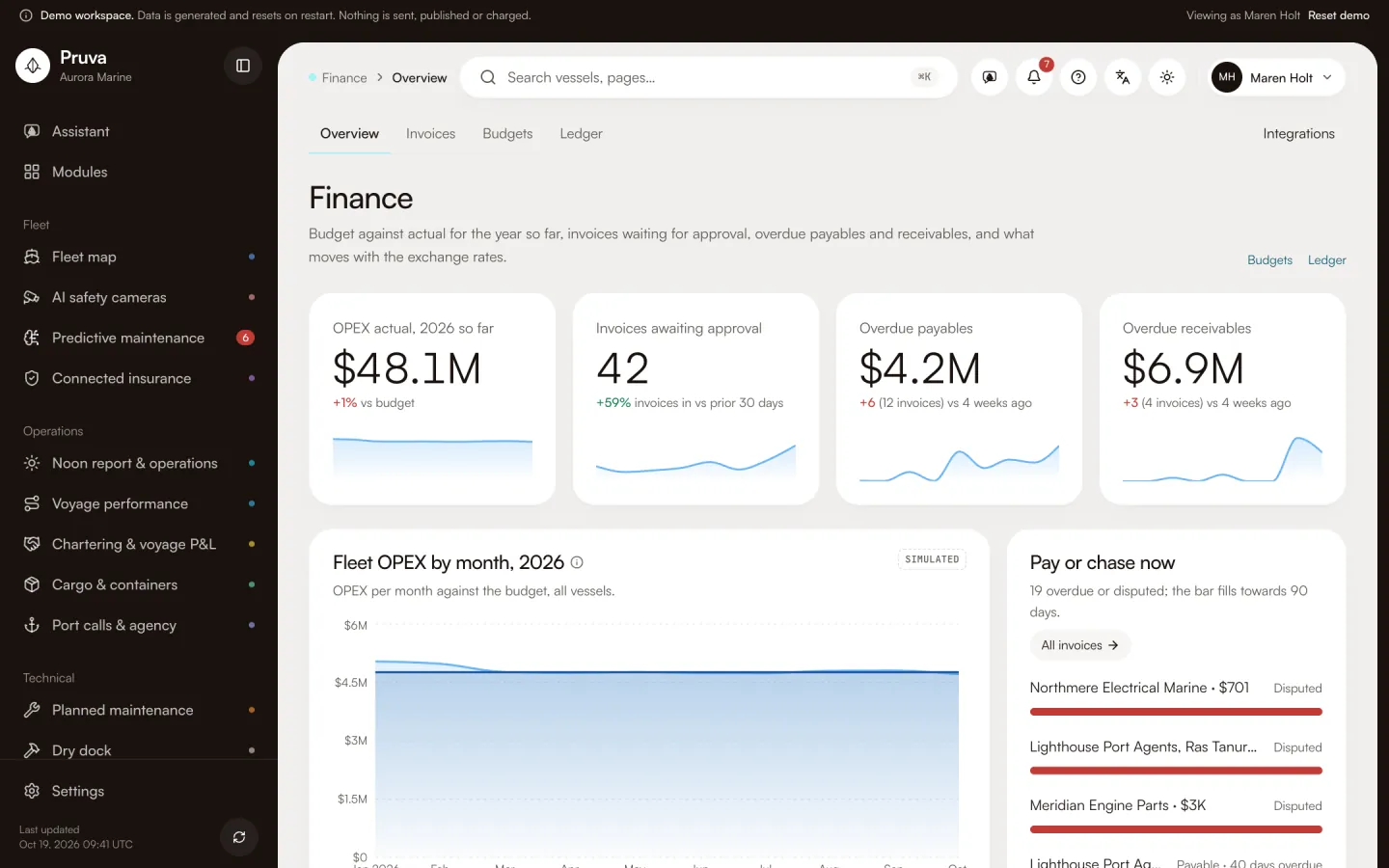
See it working
The real app, on every screen.
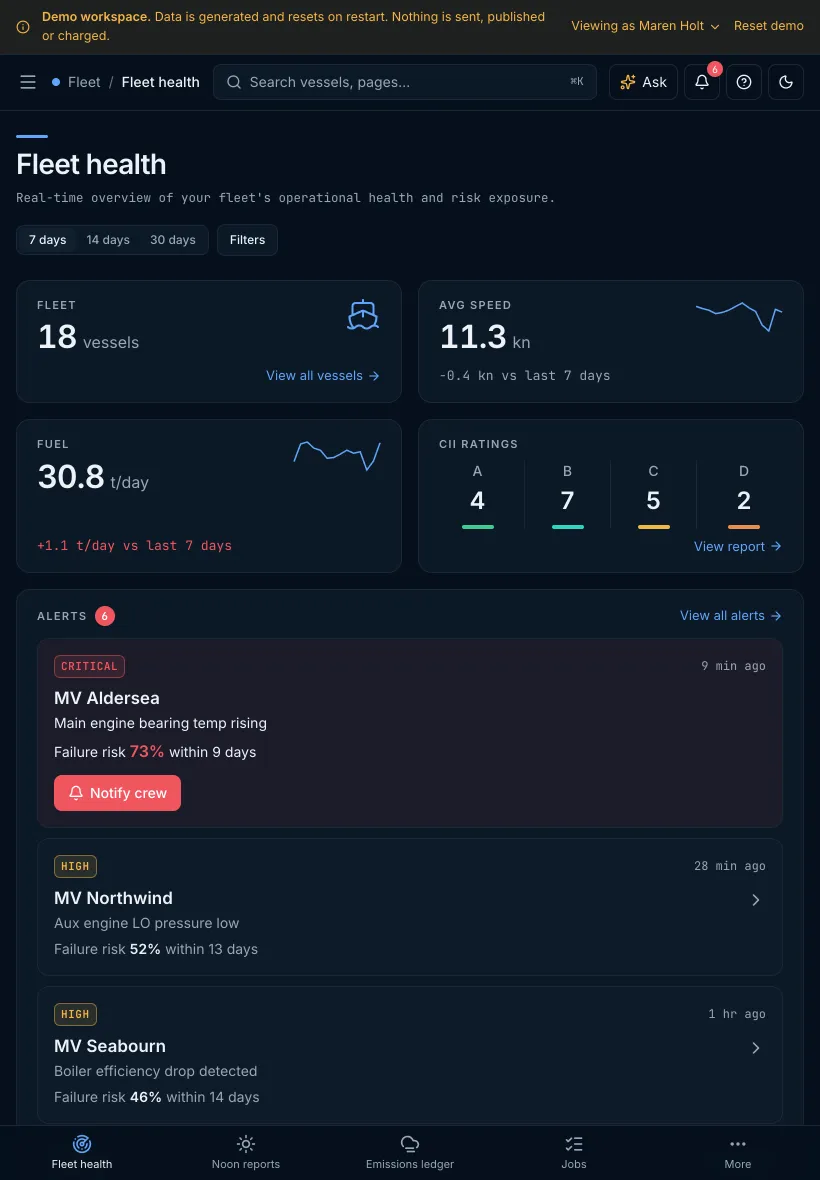
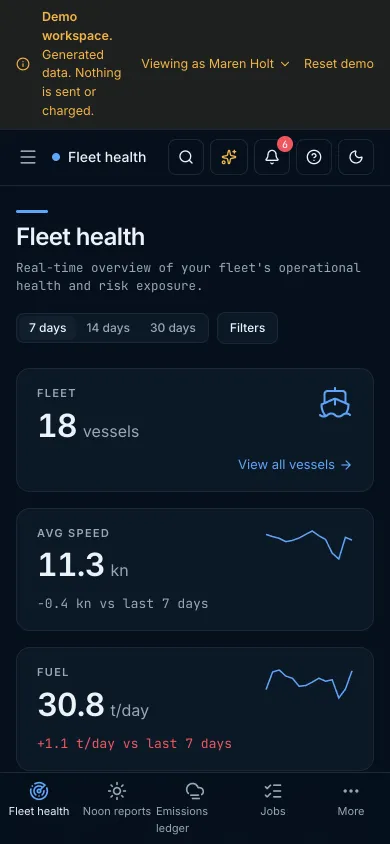
Recorded from the demo workspace: fleet health, the maintenance board and the assistant answering from the fleet’s own data.
02How it fits together
Written once, read where it is needed.
Modules do not copy each other’s data. One module writes a record; the others link to the same row.
Port call
01One port call carries the arrival, the berth, the agent and the disbursement account. Work orders, deliveries and cargo files open from it.
Written in
Port calls & agencyRead by
Job card
02A maintenance job is the record. Alerts open it, the dry-dock specification lists it, and a survey job sets the certificate window.
Written in
Planned maintenanceRead by
Spare part
03A spare part is one row: the job asks for it, the purchase order buys it, and the goods receipt puts it in stock.
Written in
InventoryRead by
Invoice
04An invoice is checked against the purchase order or the disbursement account, approved in steps and posted to the vessel’s ledger.
Written in
FinanceRead by
03The assistant
Answers from your own fleet data.
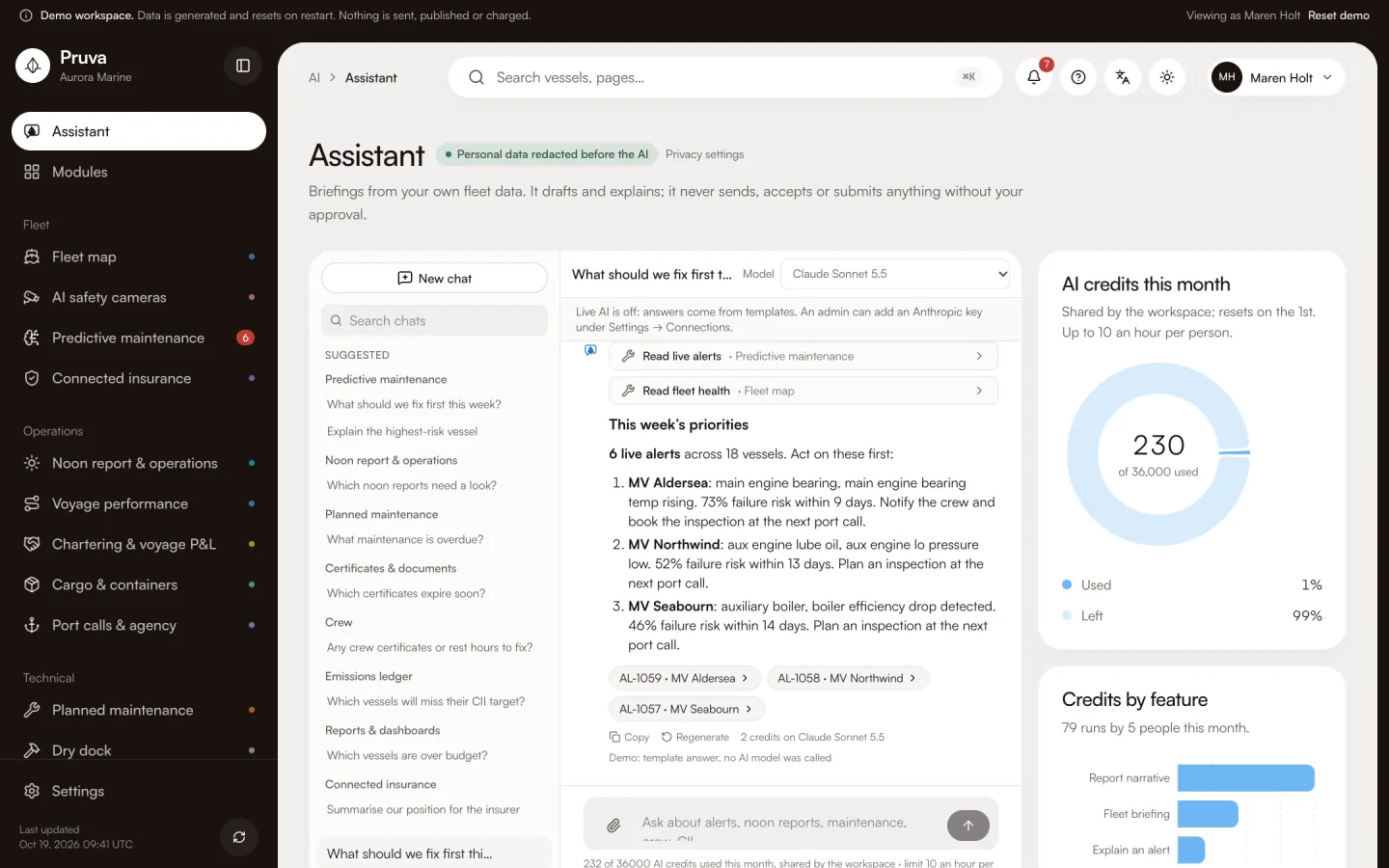
Ask in plain words. The assistant reads the modules you can see and shows each tool it used as a chip above the answer.
- Every answer names its sources: the alerts, vessels and records it read.
- It drafts and explains. Sending, accepting or submitting stays with a person who has publish rights.
- In the demo, answers come from templates and no AI model is called. An admin adds a model key to switch live answers on.

04Ship and shore access
Each person, each module, one level.
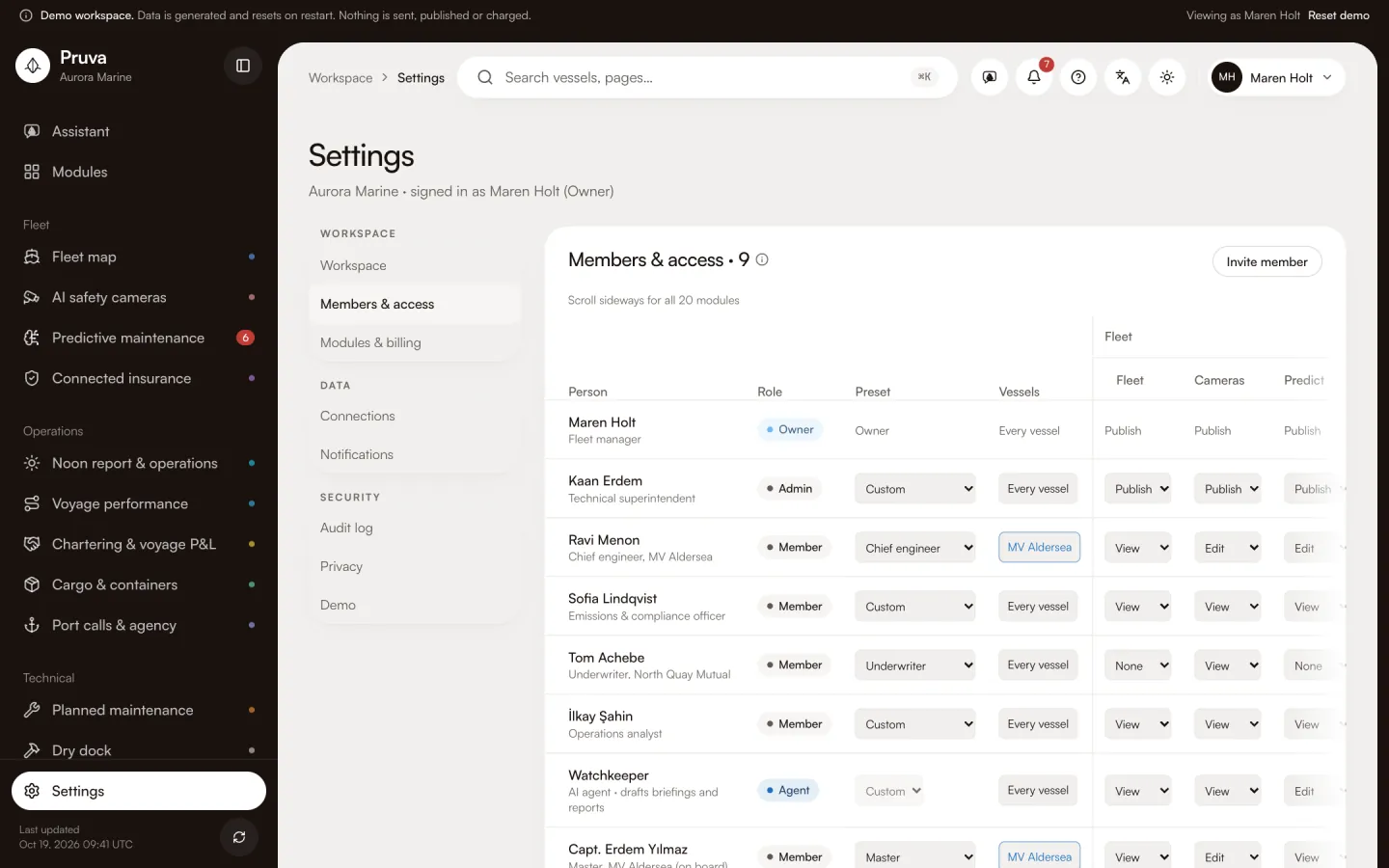
Shore staff, masters, chief engineers, the underwriter and the AI agent sit in one members list. Each gets a level per module.
- None
- The module is not in their menu.
- View
- Reads the pages and records.
- Edit
- Records work: reports, jobs, counts, responses.
- Publish
- Sends, approves and submits. AI agents never get it.
An underwriter sees only the vessels the operator shares with the insurer. Every change of level is in the audit log.
05Security and data
Access rules enforced where the data lives.
Insurers price on these numbers, so the rules cannot depend on the app behaving. Each one is enforced in Postgres and covered by a test that runs as each role.
Rules live in the database
Row-level security in Postgres decides who reads and writes each row. A bug in a page cannot widen access.
Readings cannot be edited
Telemetry, risk scores and premium adjustments are written only by the ingest and model service. No user, owner included, can change them.
Sending needs publish rights
Notify crew, accepting a premium and submitting a report each need the publish level. AI agents can never hold it.
Insurers see only what you share
An underwriter account reads only the vessels the operator marked as shared. Alerts and work orders stay private.
Audit entries are your own
Each audit entry is pinned to the signed-in user. Nobody can write one in another person’s name.
The demo stays on your machine
Demo mode makes no outside calls and refuses to start in production. Paid modules unlock only through a signed store message.
06Pricing
Open core, priced per vessel.
The core modules are free to self-host. Hosted packages add Pro modules, or pick one of 6 industry packs. Safety Vision cameras, support and services are on the pricing page.
Essentials
The 6 core modules, hosted
$1,495 per vessel per year
Operations
Core + any 4 Pro modules
$6,995 per vessel per year
Professional
Core + any 8 Pro modules
$12,240 per vessel per year
Complete
All 19 modules
$19,900 per vessel per year
Enterprise
Every module
Priced with you
Per vessel per year, billed annually. Figures come from the same catalog as the cart.
07FAQ
Questions we get first.
Do I need new sensors on board?
Usually not. Pruva reads what the vessel already logs, through an onboard gateway or the historian you have. In this build every connector is a mock; the mapping of tags per vessel is done during a pilot.
How accurate are the failure predictions?
In this build the probability comes from a fixed heuristic over drift and its slope, not a trained model. The numbers in the demo are illustrative. A trained model per component is the next step before any pilot.
What does my insurer see?
Only the vessels you choose to share, and for those only risk score, sensor anomalies, CII and policy data. Alerts, work orders and crew messages are never visible to an underwriter account.
Does the AI assistant send anything?
No. It drafts briefings and report text from data you can already see. Sending, accepting and submitting are buttons for a person with publish rights.
Are the CII ratings official?
No. They use a simplified tanker reference and no correction factors. Use them to see the trend, then check with your verifier before any filing.
What happens if a payment fails?
The module stays fully usable for 7 days, then turns read-only until day 30, then locks. Your data is kept for 90 days after the lock.
Where do the shipment and the container live?
In Pruva, on the vessel. Each shipment is a file: the parties, the cargo lines, the milestones, the documents from the bill of lading to the arrival notice, and a simulated charge grid of buy, sell and the difference that posts nothing. Each container shows its ISO type, where it is, the reefer reading against its set point, any hold, and clocks for demurrage, detention and empty return. Portline is the yard and the land system. It may share a container number. It does not keep the sea shipment.
Walk the demo fleet in two minutes.
Aurora Marine, 18 vessels, one critical alert on MV Aldersea. No sign-in and no outside calls.