Skip to content

AI safety cameras

What the cameras saw, in one sentence.

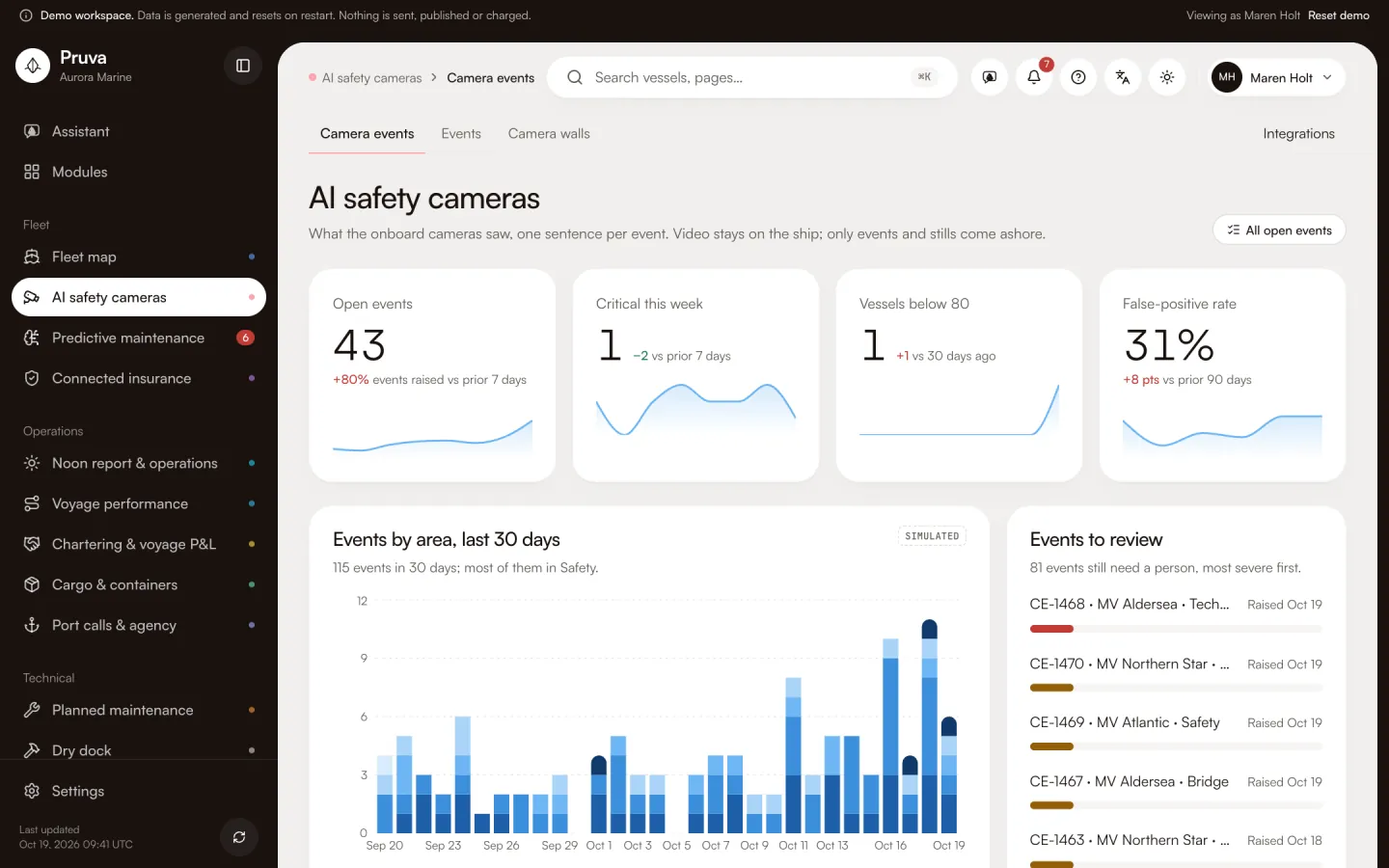
Cameras on the bridge, deck, engine room, gangway, MARPOL stations and holds feed an AI computer on board. The office gets each event as a still and a sentence. The video stays on the ship.

Camera events and stills in the demo are simulated and marked as such.

Six areas

Every camera belongs to an area.

Each event is filed under one area, explained in one sentence and kept with the still that raised it.

01 · Bridge

The watch on the bridge

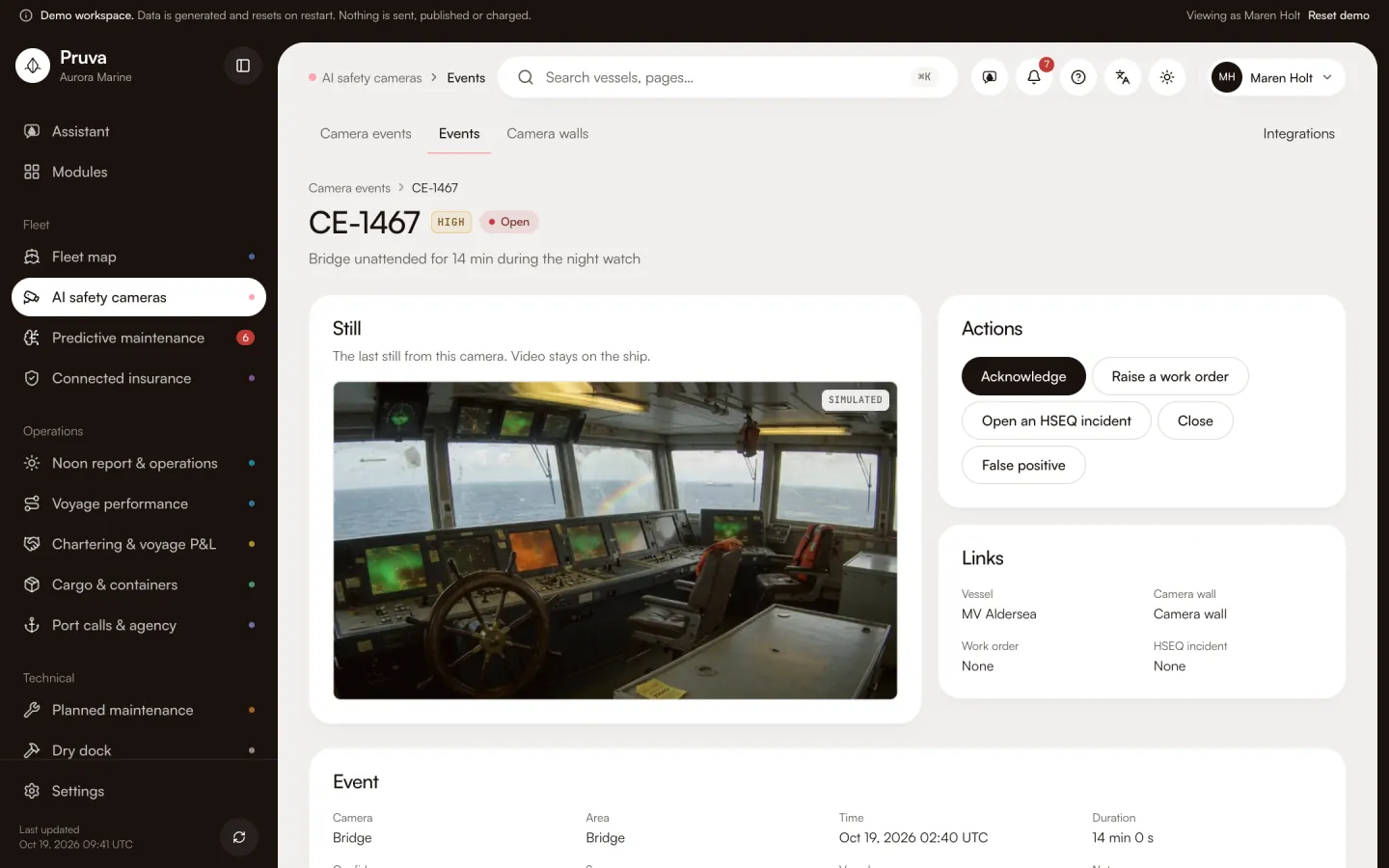
Who is on watch, whether a lookout is posted and whether someone is at the ECDIS, through the night.

Sentences the app writes

  • Bridge unattended for 12 min during the night watch
  • No lookout on the bridge for 12 min with traffic in sight
  • Officer of the watch on a phone for 12 min
  • Nobody at the ECDIS for 12 min in a traffic lane
02 · Safety

People on deck and at the moorings

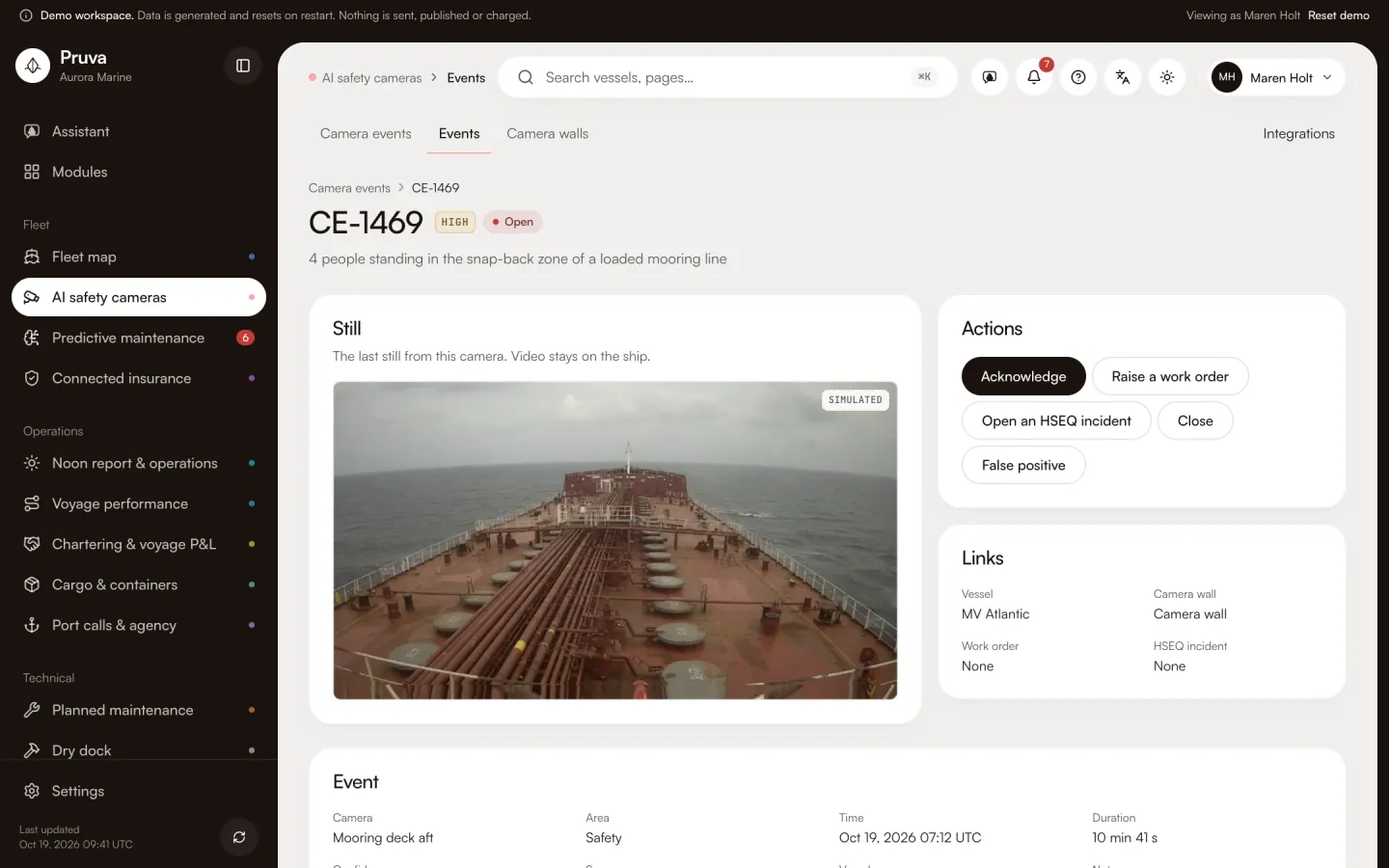
Helmets and harnesses, the snap-back zone of loaded lines and hot work without a fire watch.

Sentences the app writes

  • 2 people on the mooring deck without helmets
  • 2 people working at height without a harness
  • 2 people standing in the snap-back zone of a loaded mooring line
  • Hot work on deck for 12 min without a fire watch

03 · Technical

The engine room

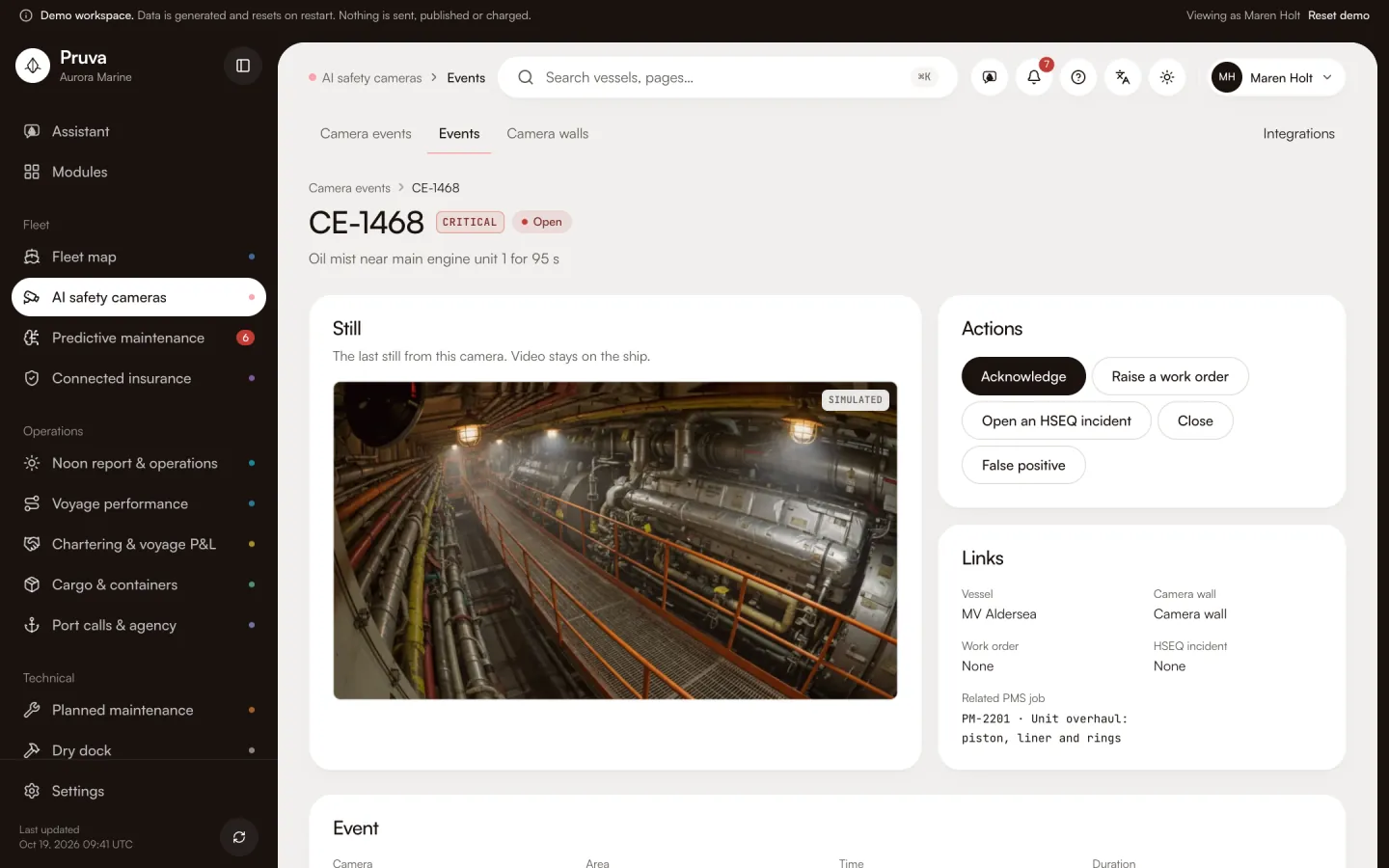
Oil mist, haze and leaks near the machinery, and a fire door held open.

Sentences the app writes

  • Oil mist near main engine unit 2 for 40 s
  • Smoke-like haze near purifier No. 2 for 40 s
  • Liquid pooling under auxiliary engine No. 2
  • Engine room fire door held open for 12 min

04 · Security

Gangway and restricted areas

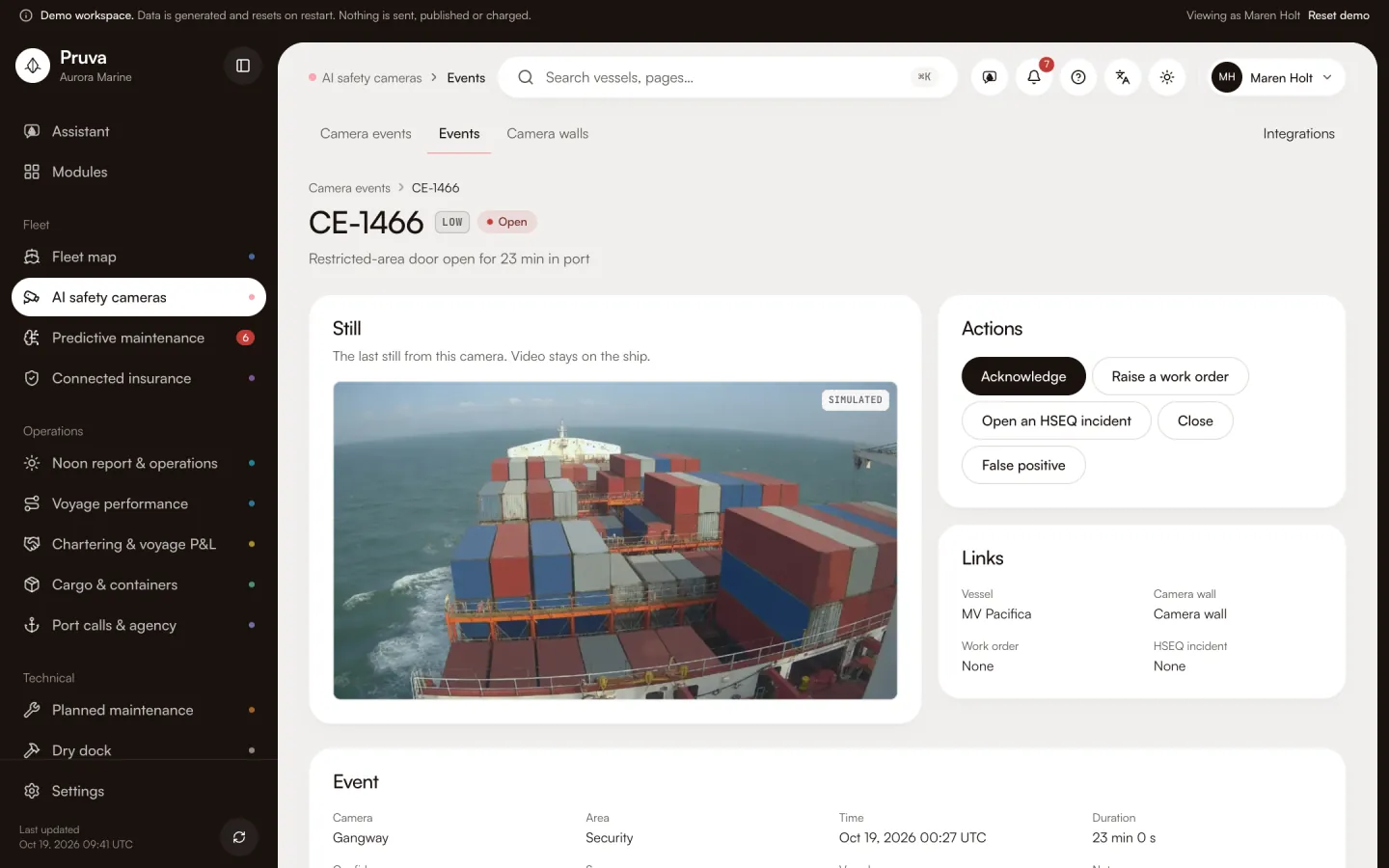
An unattended gangway in port, people without a visible badge and restricted doors left open.

Sentences the app writes

  • Gangway left unattended in port for 12 min
  • Person without a visible badge at the accommodation door for 12 min
  • Restricted-area door open for 12 min in port

05 · MARPOL

MARPOL stations

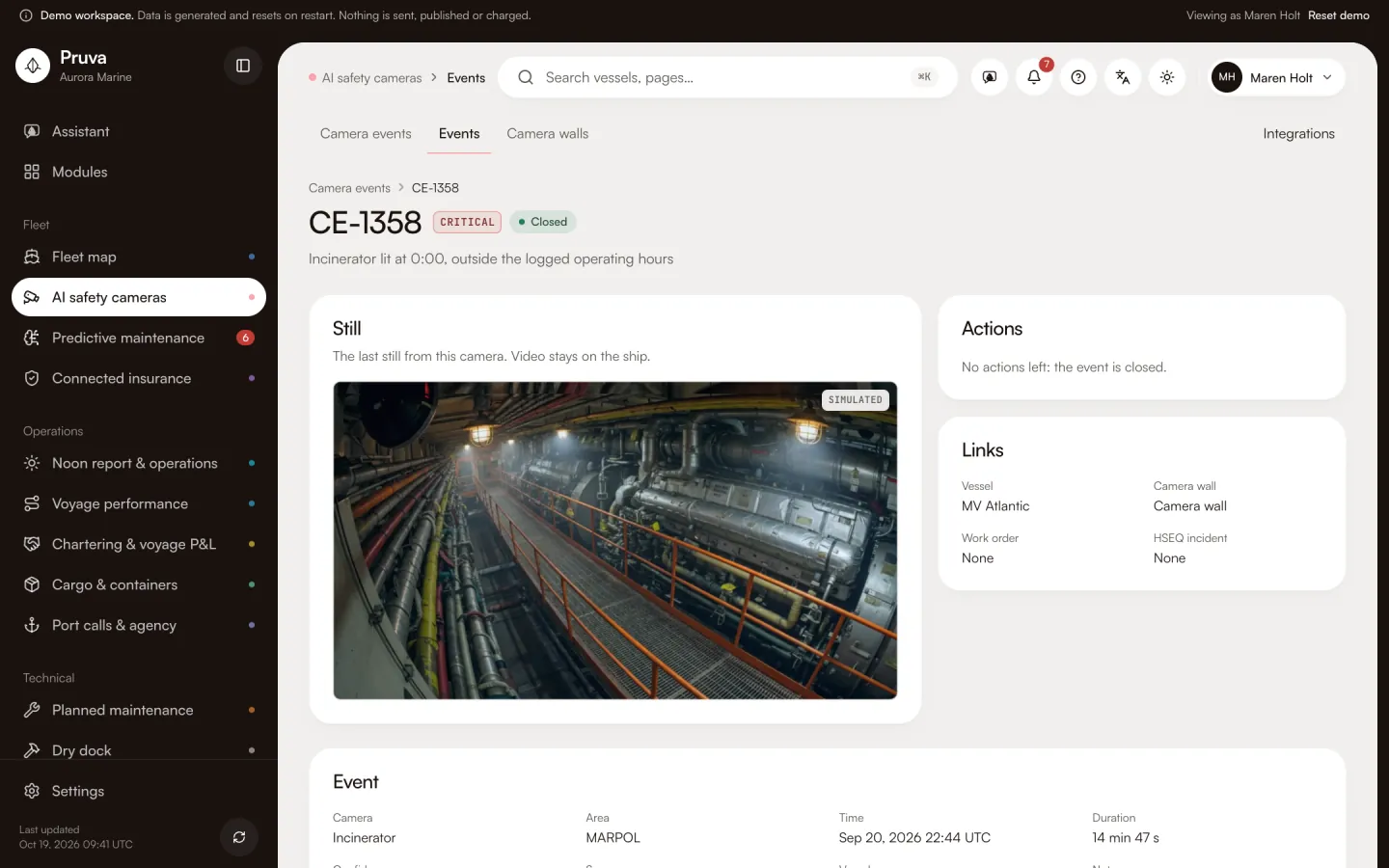
The oily-water separator, the incinerator and the overboard valve against the logs. The app reports what it saw; it does not rule an action compliant.

Sentences the app writes

  • Oily-water separator running with the 15 ppm alarm bypassed
  • Incinerator lit at 2:00, outside the logged operating hours
  • Overboard discharge valve open for 12 min without a log entry

06 · Cargo

Holds and deck cargo

Heat building up in a hold, loose lashings and a hatch open in rain.

Sentences the app writes

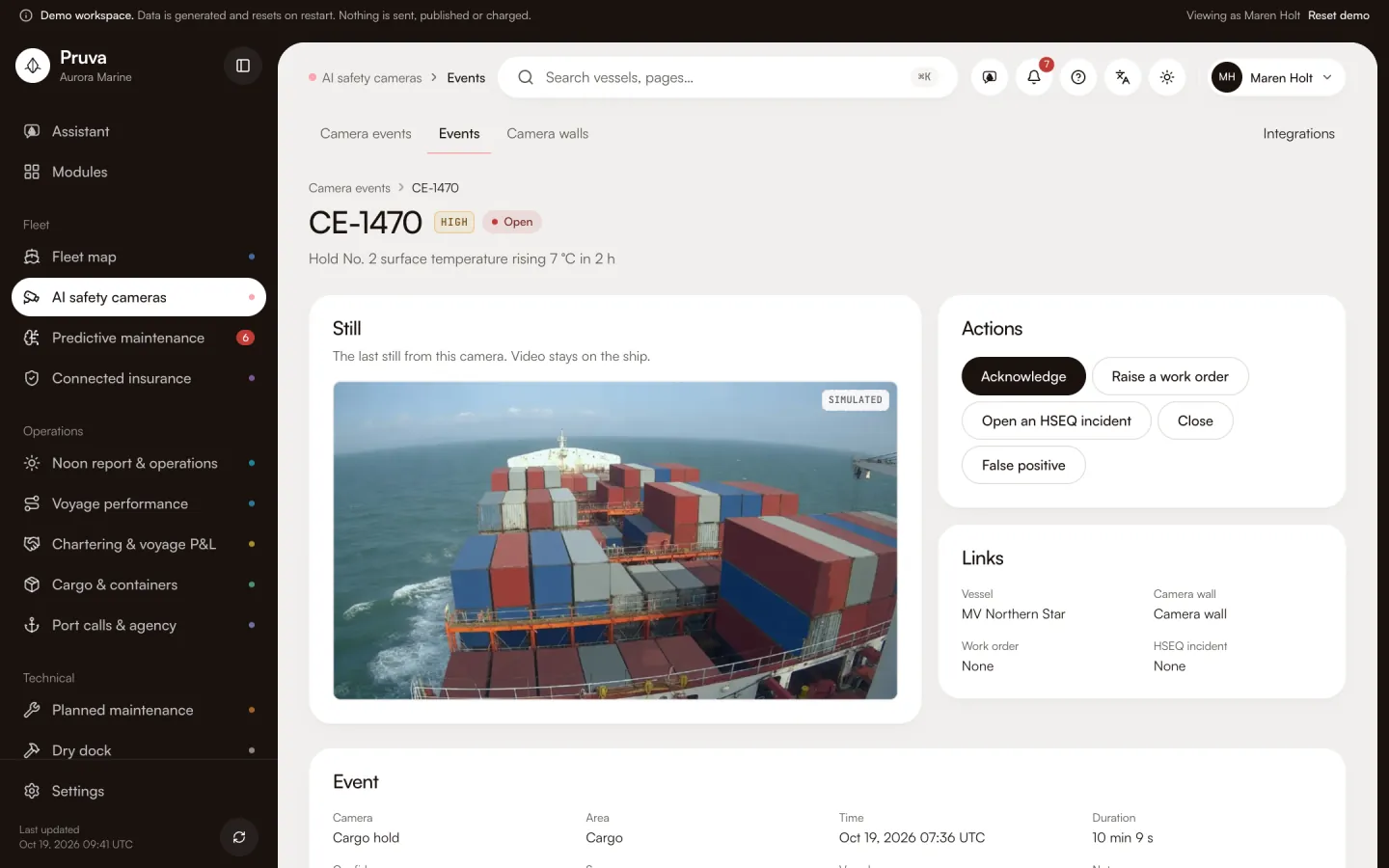
  • Hold No. 2 surface temperature rising 7 °C in 2 h
  • Loose or missing lashings on 2 deck containers
  • Hatch No. 2 open in rain for 12 min

Fleet score

One score per vessel and per area.

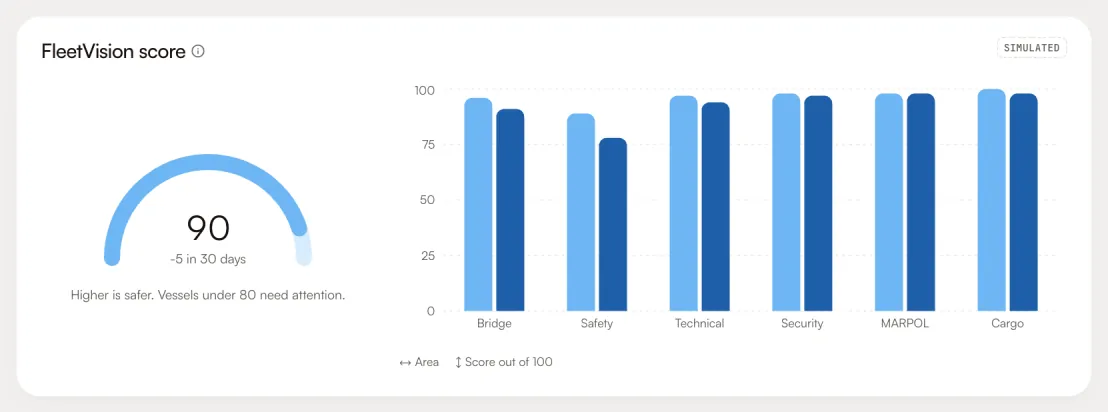
100 minus the open and recent events in each area, weighted by severity. Closed events fade over 30 days; false positives do not count.

  • The fleet score and its change against 30 days ago.
  • A score per area, so the weakest one stands out.
  • A league of vessels by score, worst first.
The FleetVision score card: the fleet score with its change over 30 days and a bar per area

Architecture

The video stays on the ship.

Streams go from the cameras to the AI computer on board. Only events, their sentences and stills cross the satellite link.

On the vessel

Cameras

Bridge, deck, engine room, gangway, MARPOL stations and holds, recorded on board.

Video

Edge AI computer

Runs the event models next to the cameras and keeps the recordings on the ship.

Events and stills

Ashore

Pruva

Events, sentences and stills in the dashboard, with the actions to acknowledge, escalate or close.

Video is analysed and kept on board; the shore receives events and stills only.

Hardware

What is installed on board.

One kit per vessel, fitted at a port call: 15 cameras and an engine-room thermal.

Safety Vision

$11,900 per vessel per year, hardware included

15 cameras and an engine-room thermal, two edge AI computers, warranty and replacement are included and stay ours. Plus $3,950 per vessel, once, for setup and installation. One USD price in every country.

Safety Vision on the pricing page
  • Cameras

    Domes for the bridge, deck, engine room, gangway, MARPOL stations and holds.

  • Edge AI computers

    Two onboard computers run the models and a recorder keeps the video on the ship.

  • PoE switch

    Power and network for every camera over one cable each.

  • Cables and mounts

    Cabling, brackets and fittings for each camera position.

Outcomes

What the office gets.

  1. 01

    Events with a still and a sentence, not hours of footage.

  2. 02

    A false-positive rate you can see and bring down.

  3. 03

    An HSEQ incident opened from the event that caused it.

  4. 04

    A score per vessel and area to compare the fleet.

  5. 05

    Video that never leaves the vessel.

See the camera dashboard with the demo fleet.

18 vessels, simulated events and stills. No sign-in.